


UPERFECT 17.3 Inch 2.5K 144Hz Gaming Portable Monitor 2560x1440P Second Computer ScreenTravel Display For Laptop HDR With VESA
UPERFECT 17.3 Inch 2.5K 144Hz Gaming Portable Monitor 2560x1440P Second Computer ScreenTravel Display For Laptop HDR With VESA
Kan beschikbaarheid voor afhalen niet laden
- Gratis verzending
- 30 dagen bedenktijd
- Veilig betalen met iDEAL
SPECIFICATIONS
Application: Laptop
Black and White Response Time: 10 ms
Bracket Type: Swivel Lift Bracket
Brand Name: Uperfect
Brightness: 400cd/m
Built-in Speaker: Yes
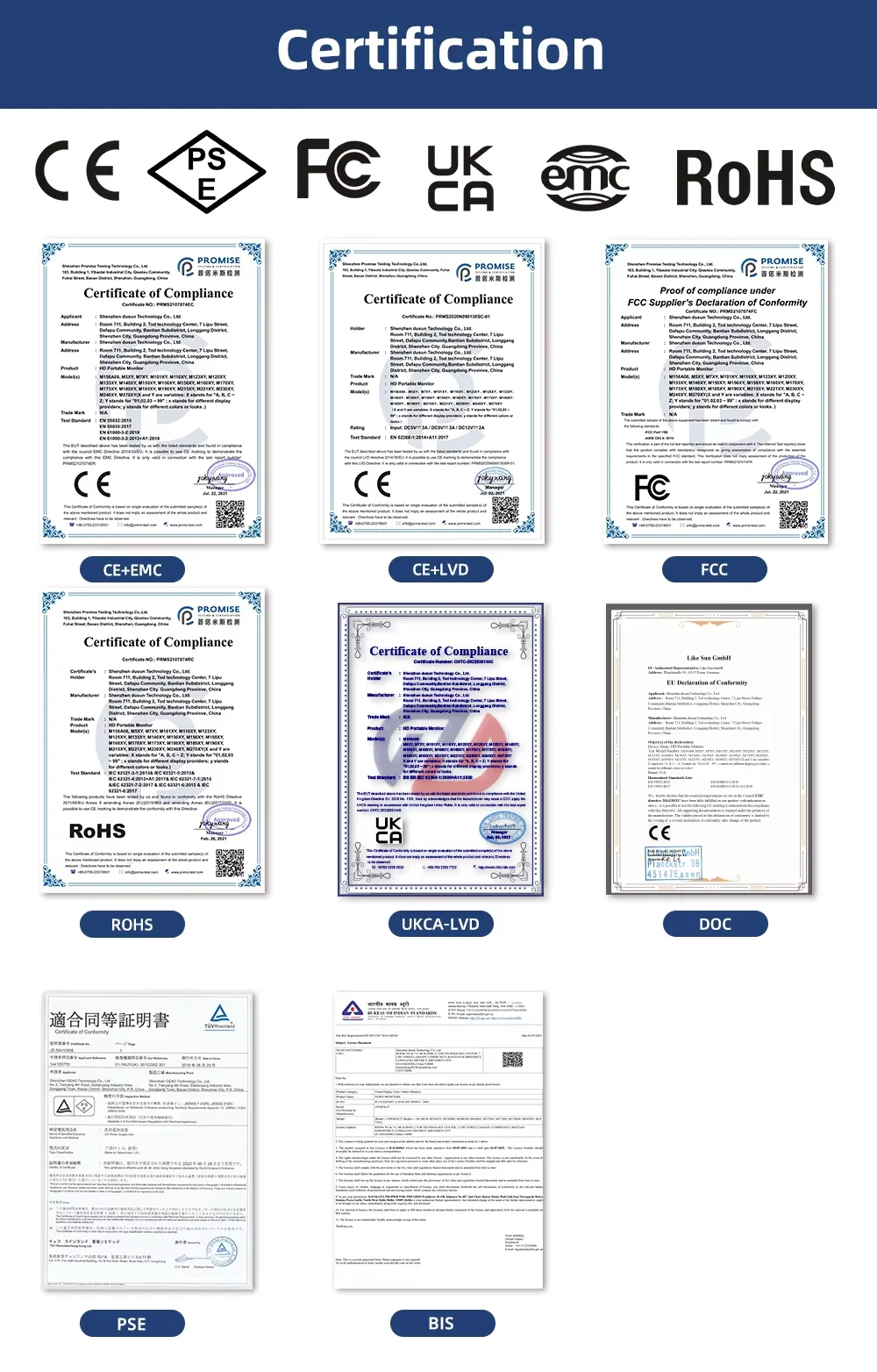
Certification: CE,FCC,RoHS,UL,pse,weee
Contrast Ratio: 1000:1,1100:1
Display Ratio: 16:9
Display Size: 17.3
Feature: Speaker,Gaming
High-Dynamic Range: Other
High-concerned chemical: None
Horizontal Viewing Angle: 178°
Interface Type: Type-C
Matrix color depth: 8 bit
Origin: Mainland China
Panel Type: IPS
Pixel Pitch: 0.27mm
Plug Type: EU Plug
Products Status: STOCK
Refresh Rate: 144 Hz
Refresh rate sync technology: AMD FreeSync
Resolution: 2560x1440
Response Time: 10ms
Screen Type: WLED
Screen curvature: Other
Screen surface: MATT
Uperfect Model: Y
Vertical Viewing Angle: 178°
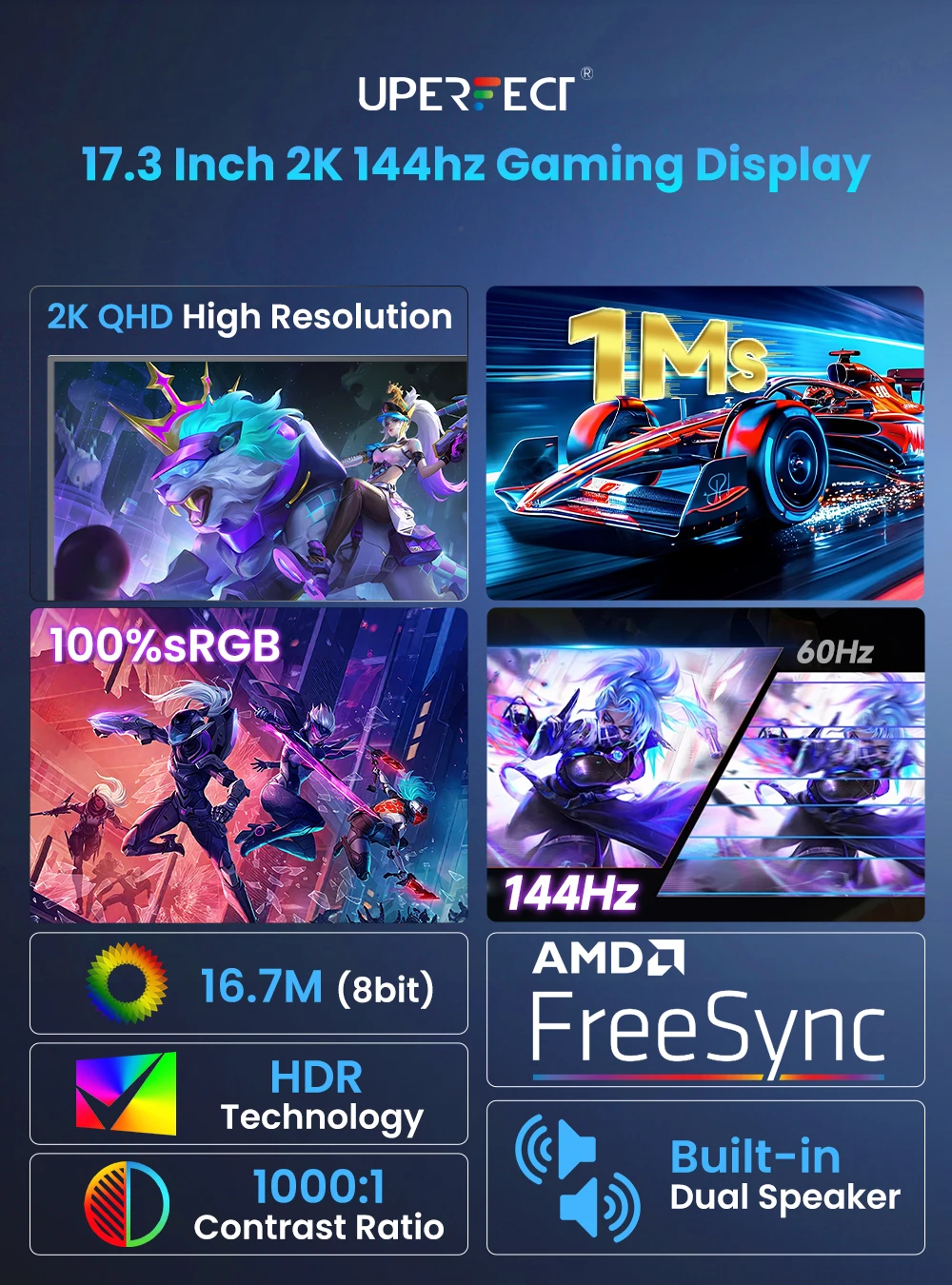
Uperfect 17.3" 2.5K QHD Portable Monitor
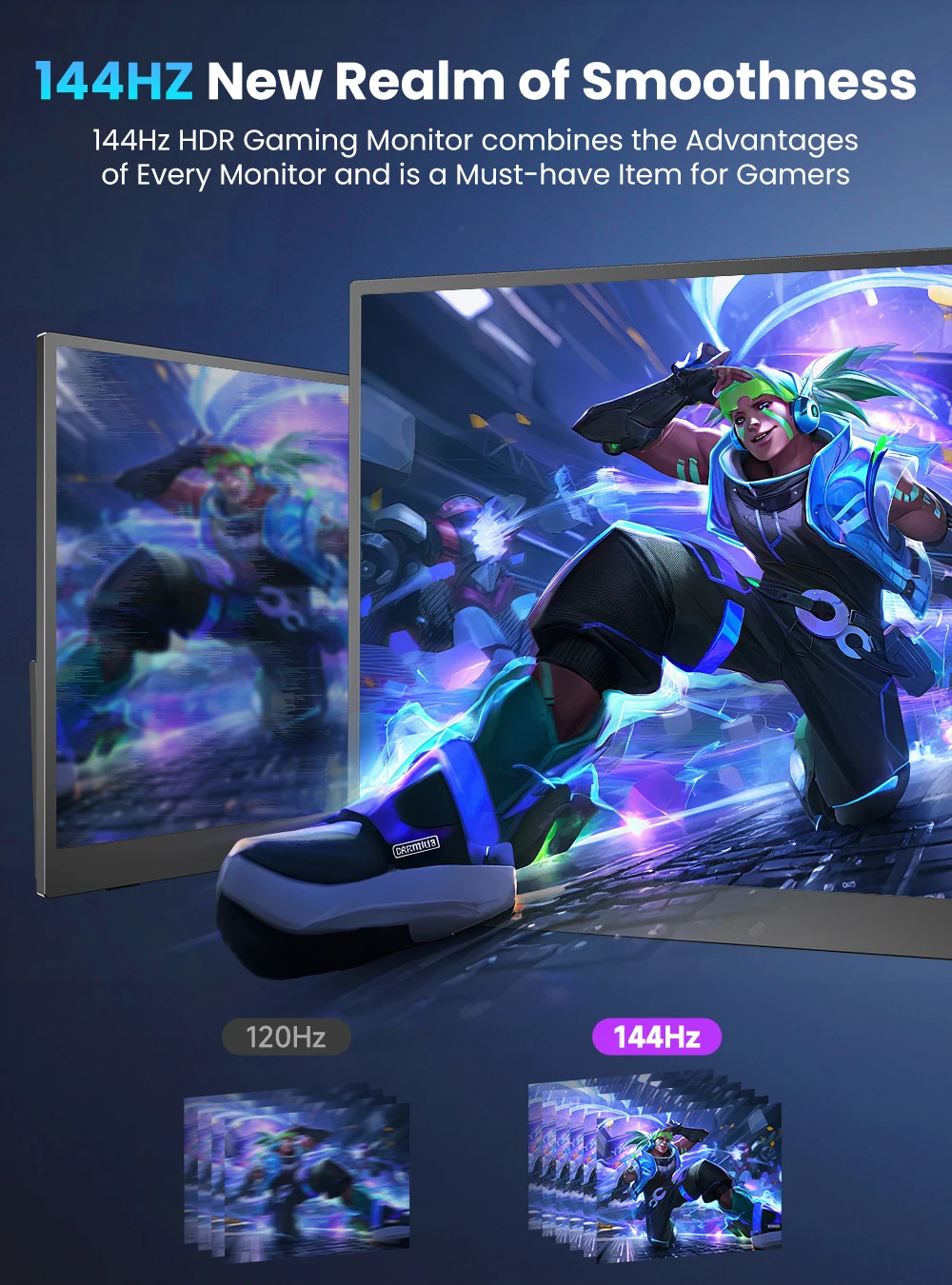
144Hz Refresh Rate
With a swift 144Hz refresh rate, this monitor delivers smooth frame loading and breathtaking graphics no matter how quickly the in-game action unfolds.
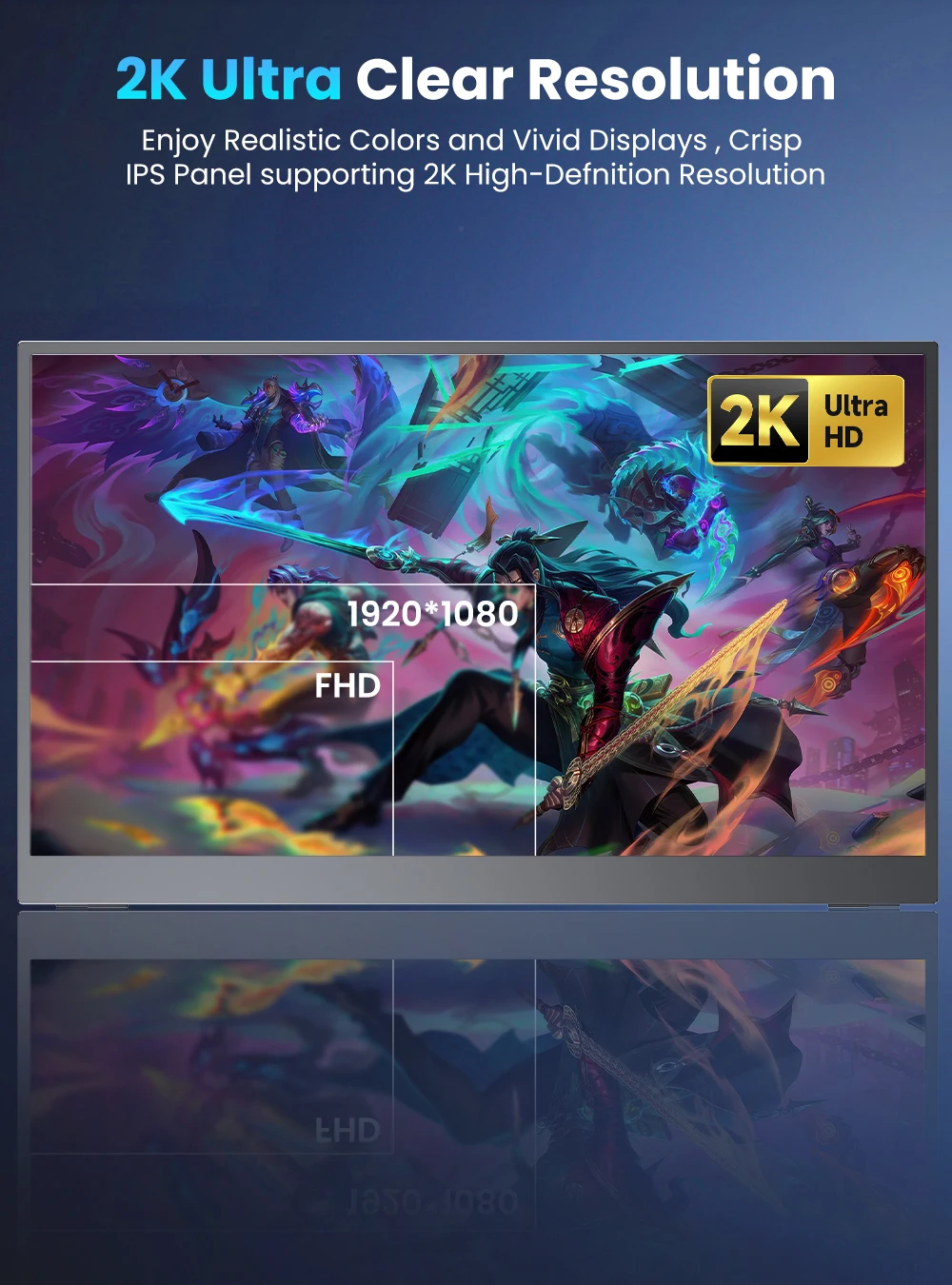
2560*1600 Hight Resolution
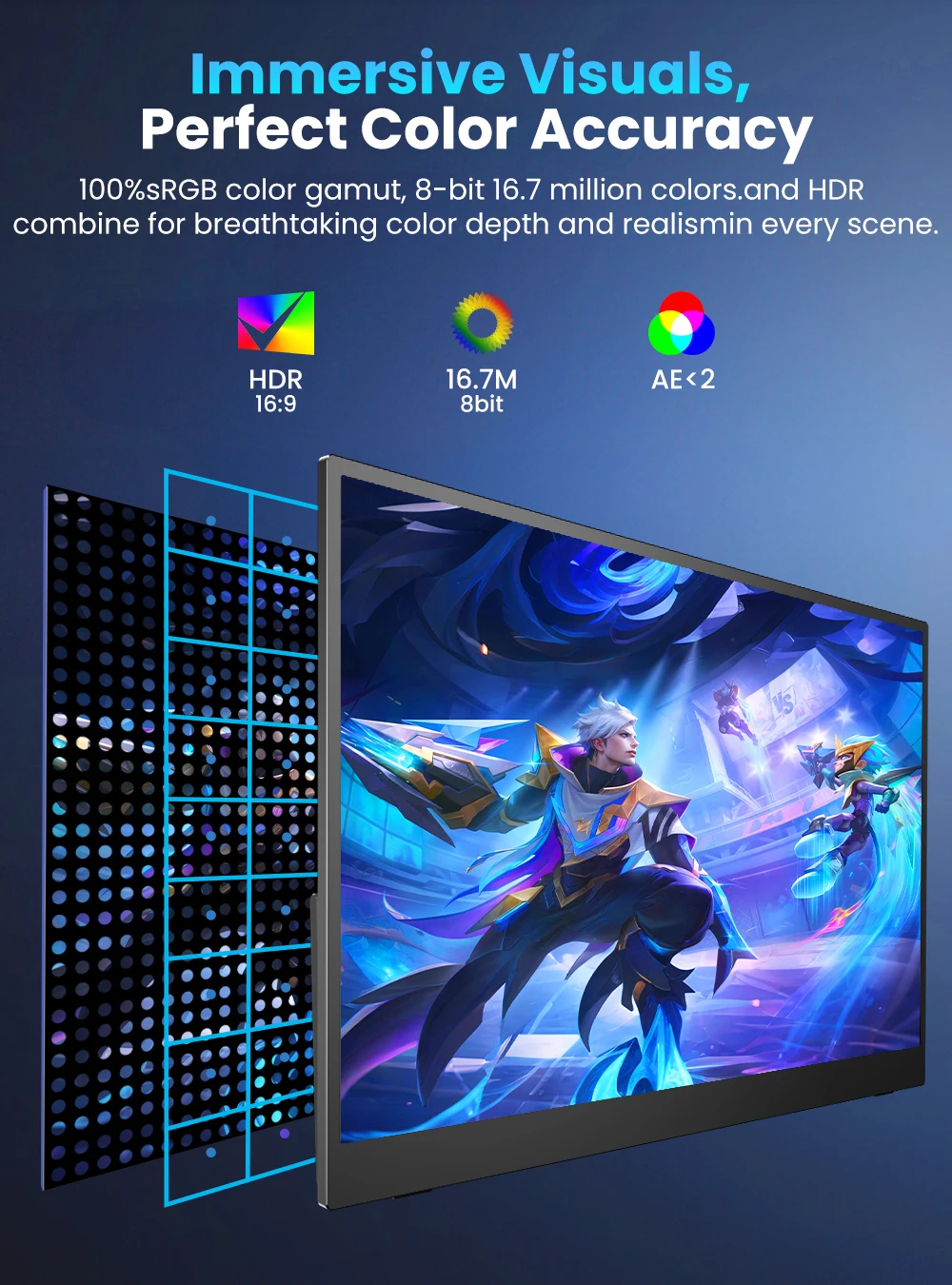
The Portable laptop monitor features 2.5k IPS panel technology, 2560*1600 resolution providing exceptional, sharp, and immersive images with detail and clarity. 100% sRGB , 16.7 millions color gamut, 1000: 1 contrast ratio, 400 nits brightness, 178° wider viewing angle, restore the authenticity of the image & video to a greater extent, enhancing your watching experience.
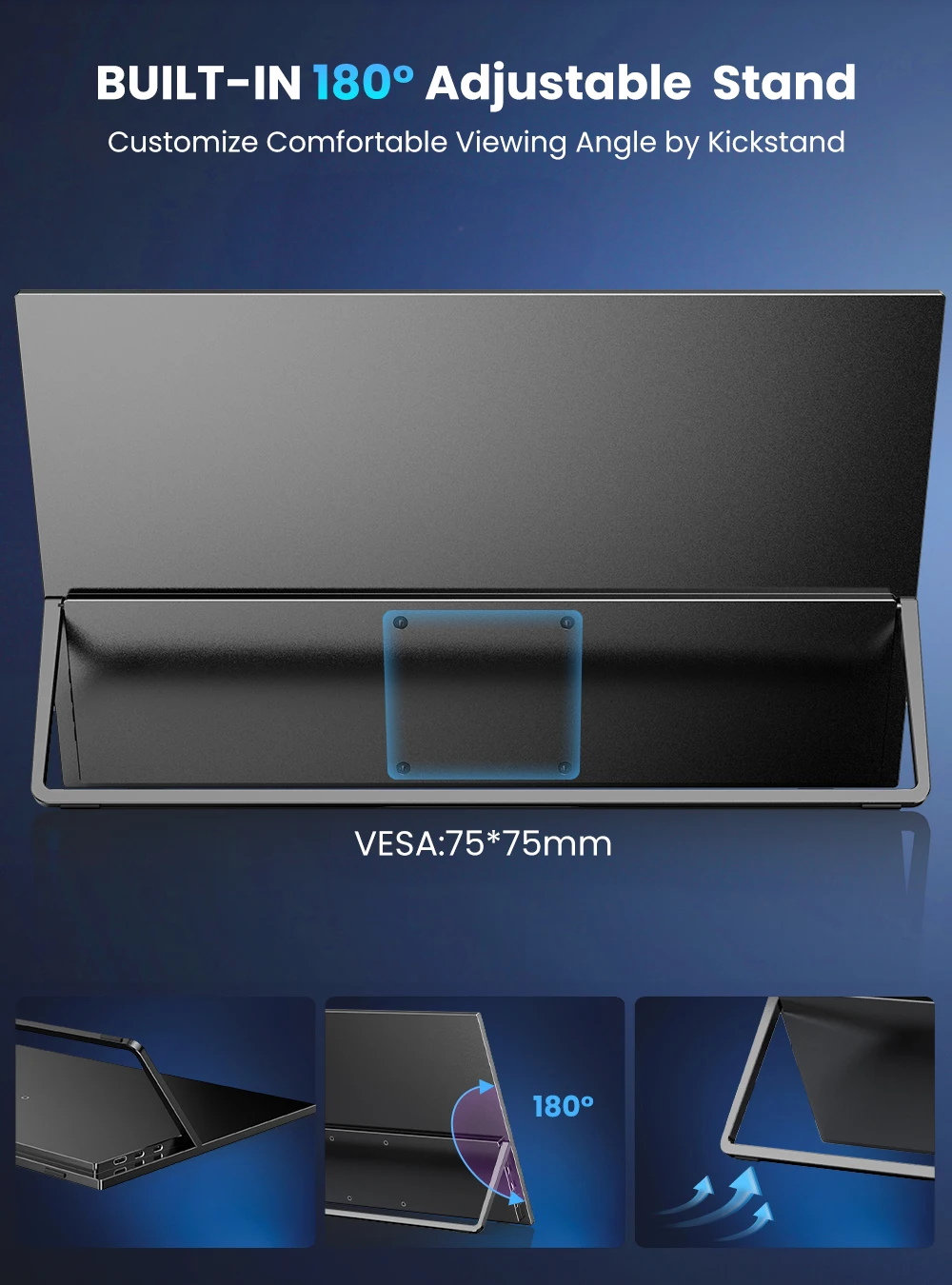
VESA Compatible & Adjustable Kickstand
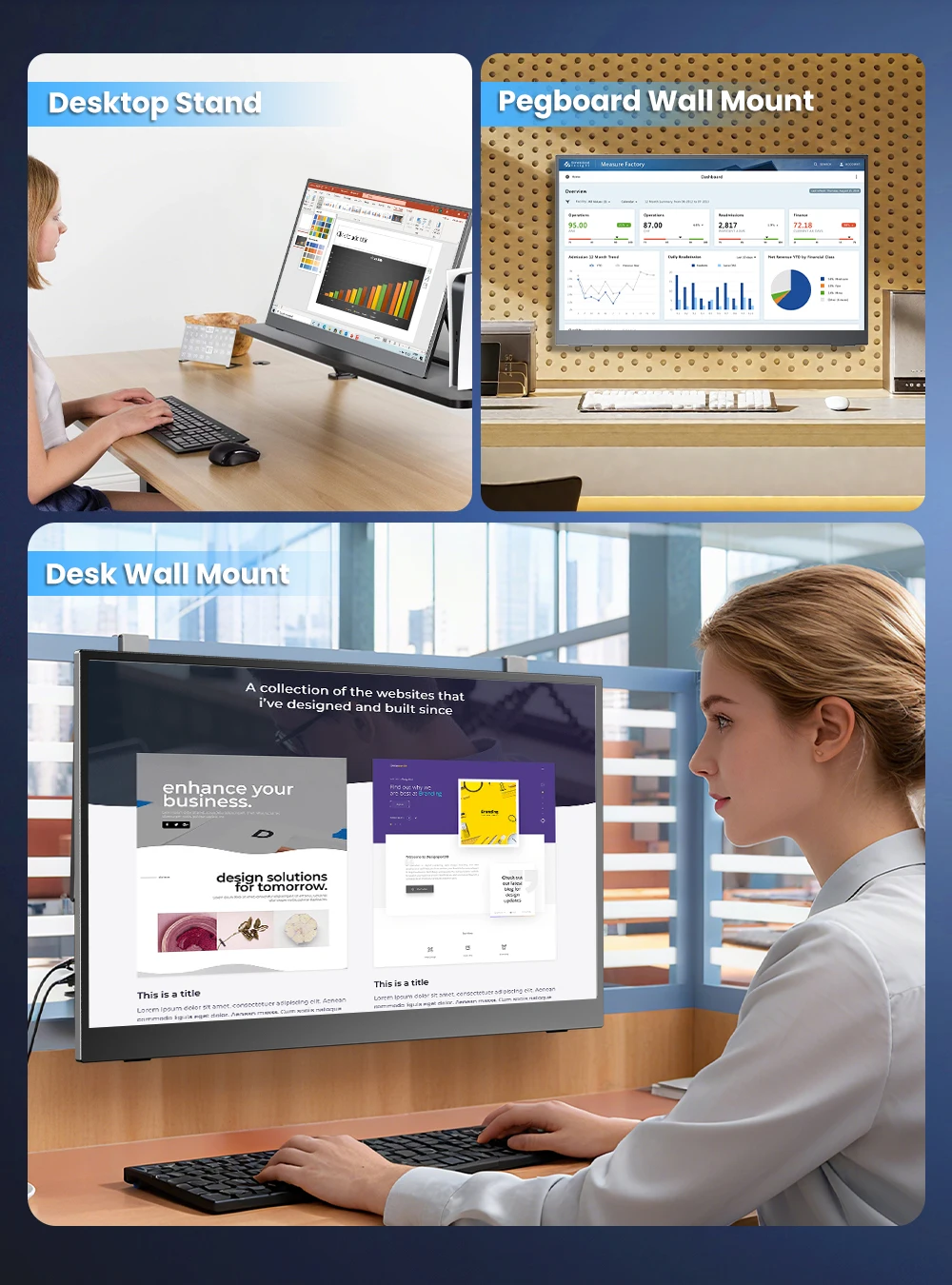
The standard 75x75 mm VESA holes (M4*4 mm) on the back allows you to mount the monitor to a desktop or wall and set it to landscape or portrait mode as needed
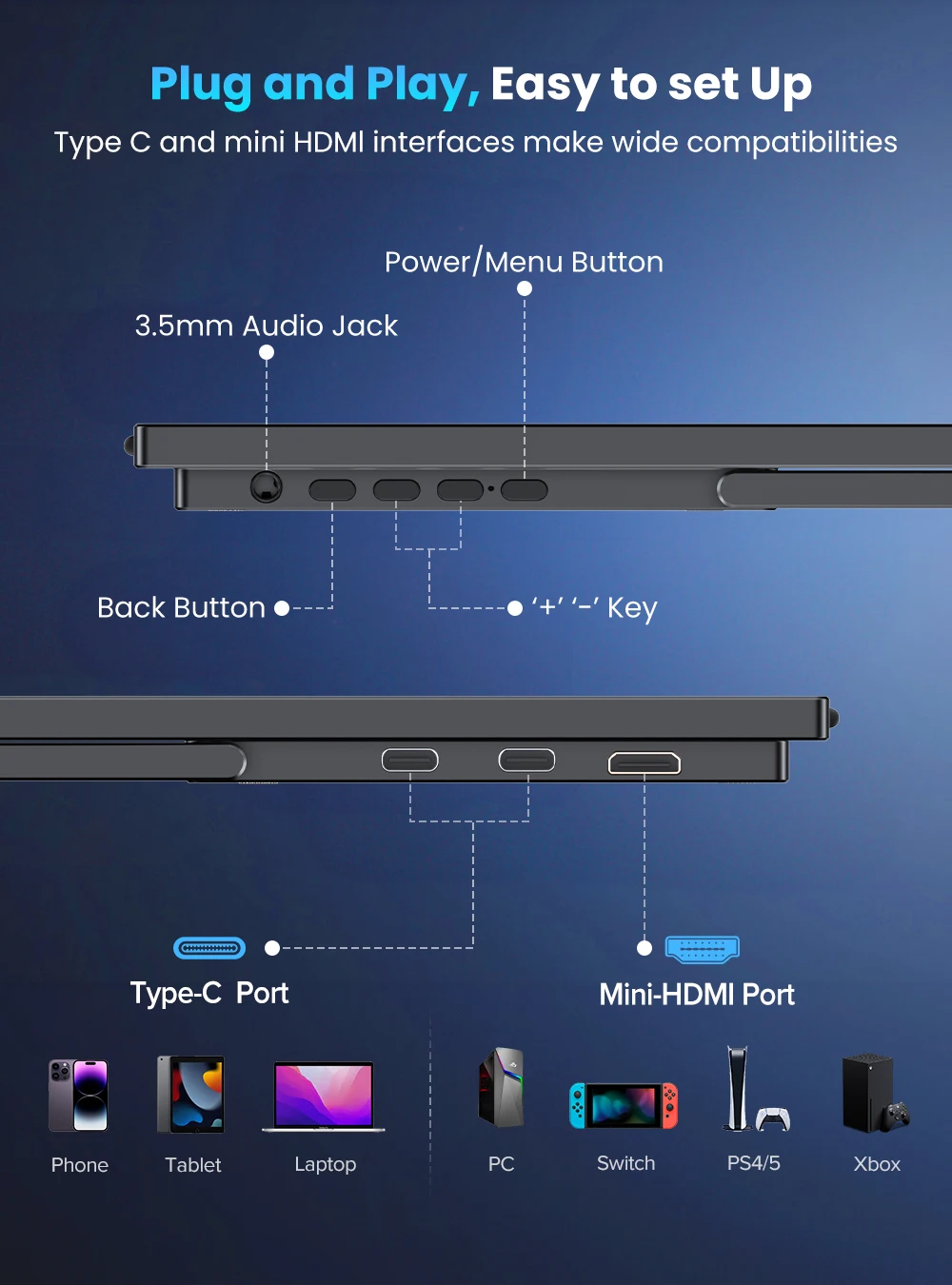
Plug and Play, Wide Compatibility
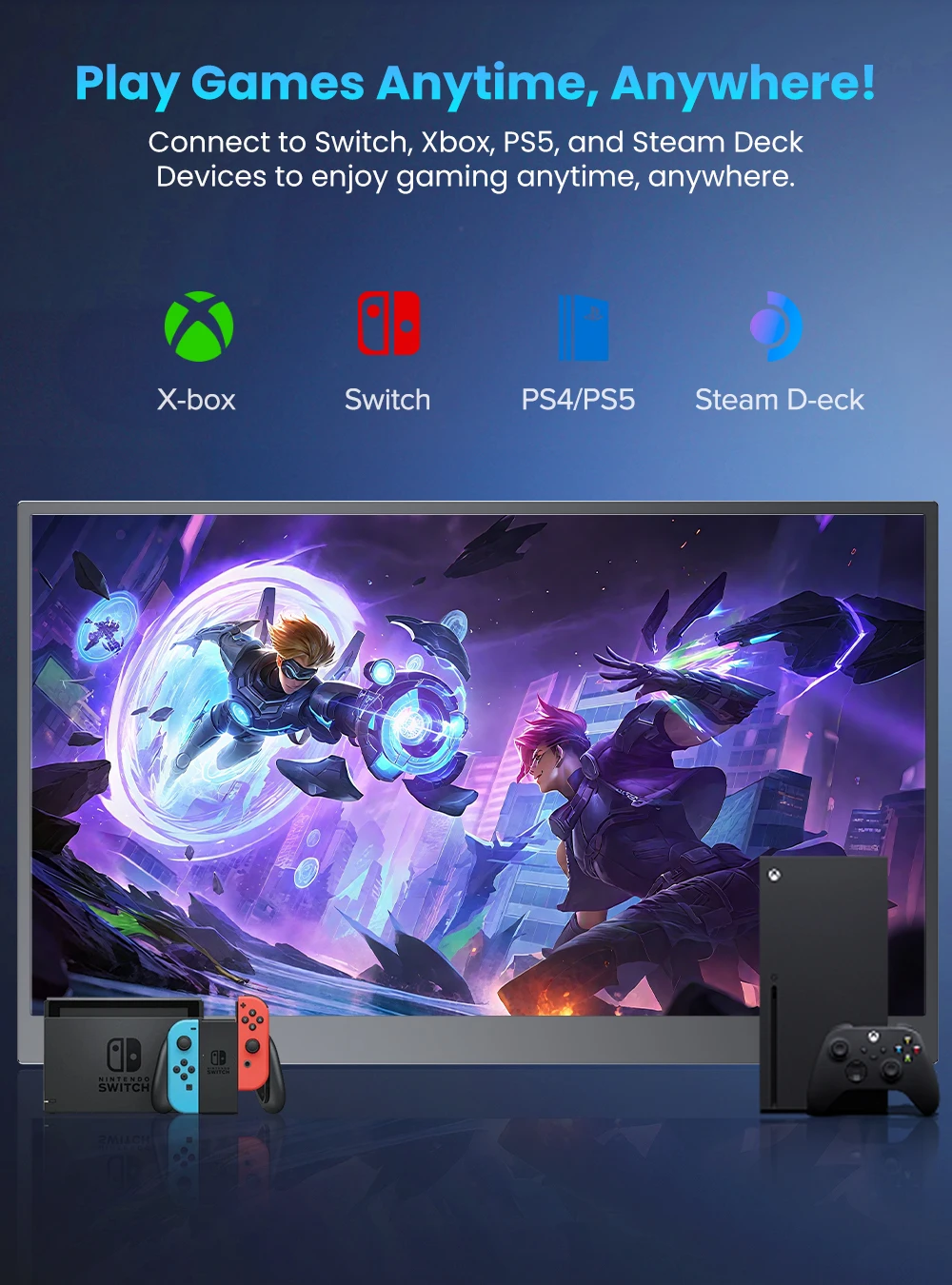
NO driver needed! Equipped with 2 full-featured Type-C ports and 1 HDMI port; Solve the multi-wire winding problem; It is compatible with multiple devices such as Laptop/PC/Phone /Switch/PS4-5/Xbox etc. It can extend the laptop screen increasing productivity, it can mirror the phone screen delivering a large display, it also supports various gaming consoles for playing games.
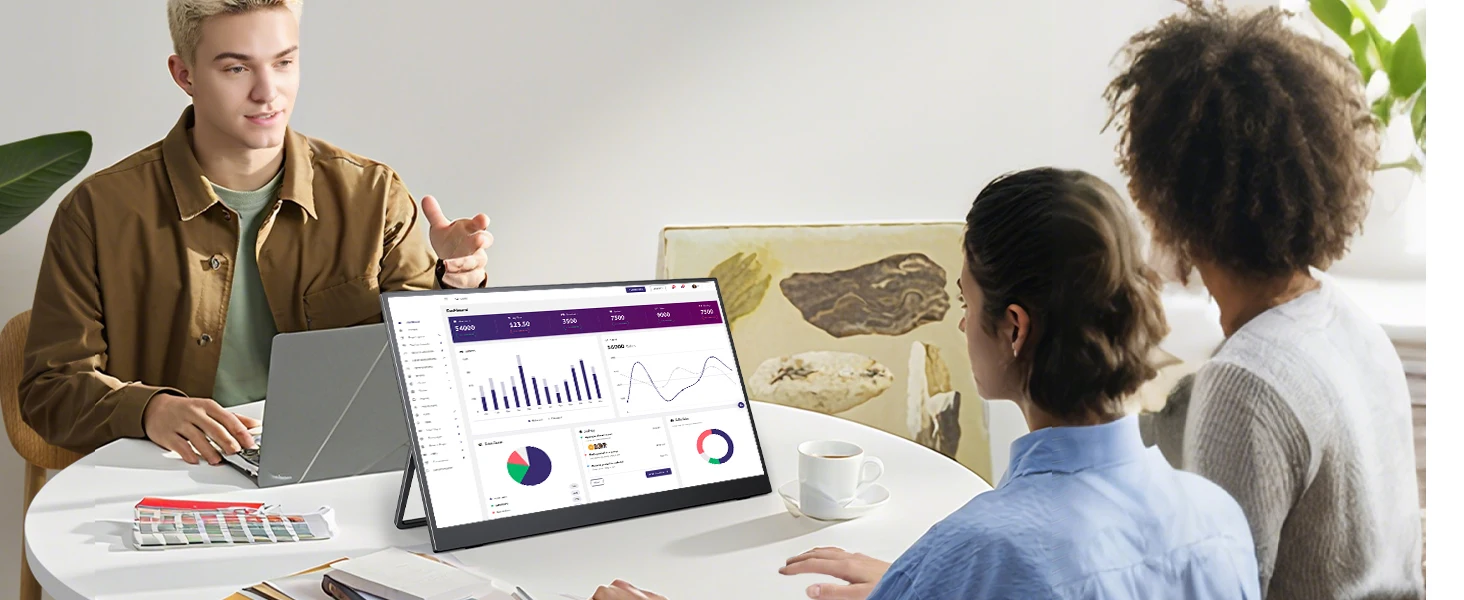
Share Screen and Increase productivity
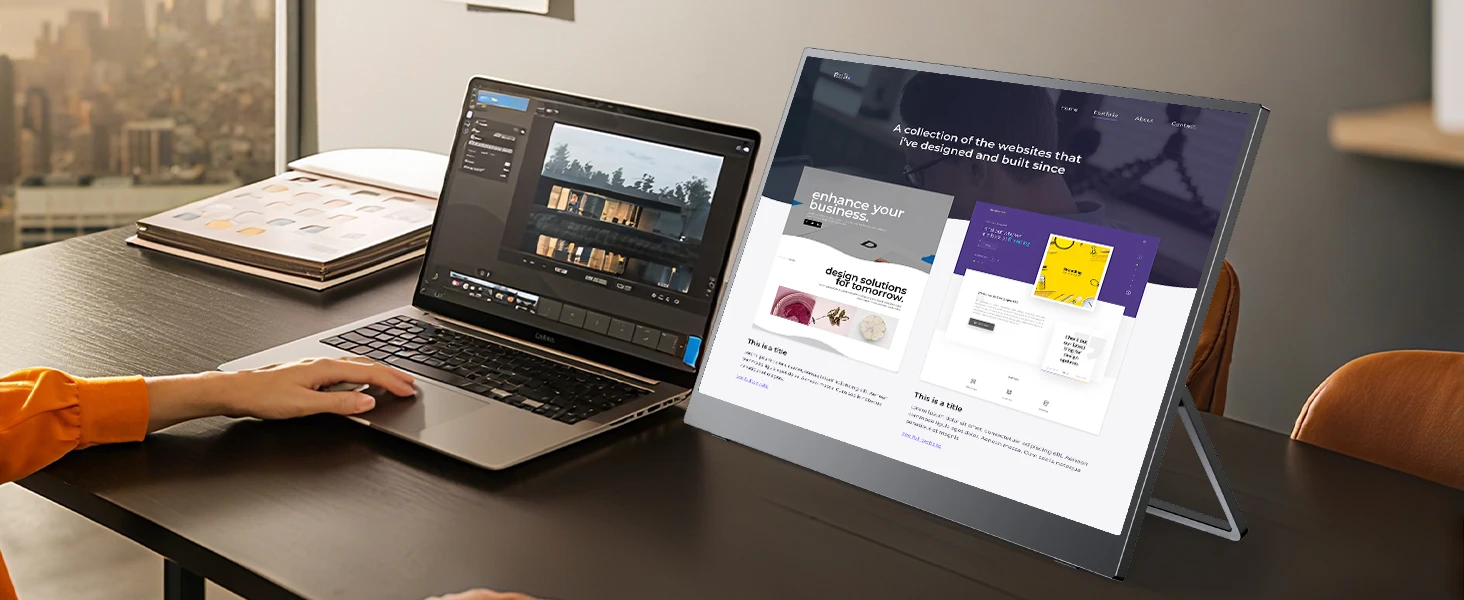
After connecting the dual laptop monitor to your device with cable, the portable screen will work immediately without any driver installation. You and your partner can communicate more conveniently to achieve an agreement. Increase your productivity and improve your working experience, a great choice for second or multiple screen.
Portable Travel Monitor for Laptop
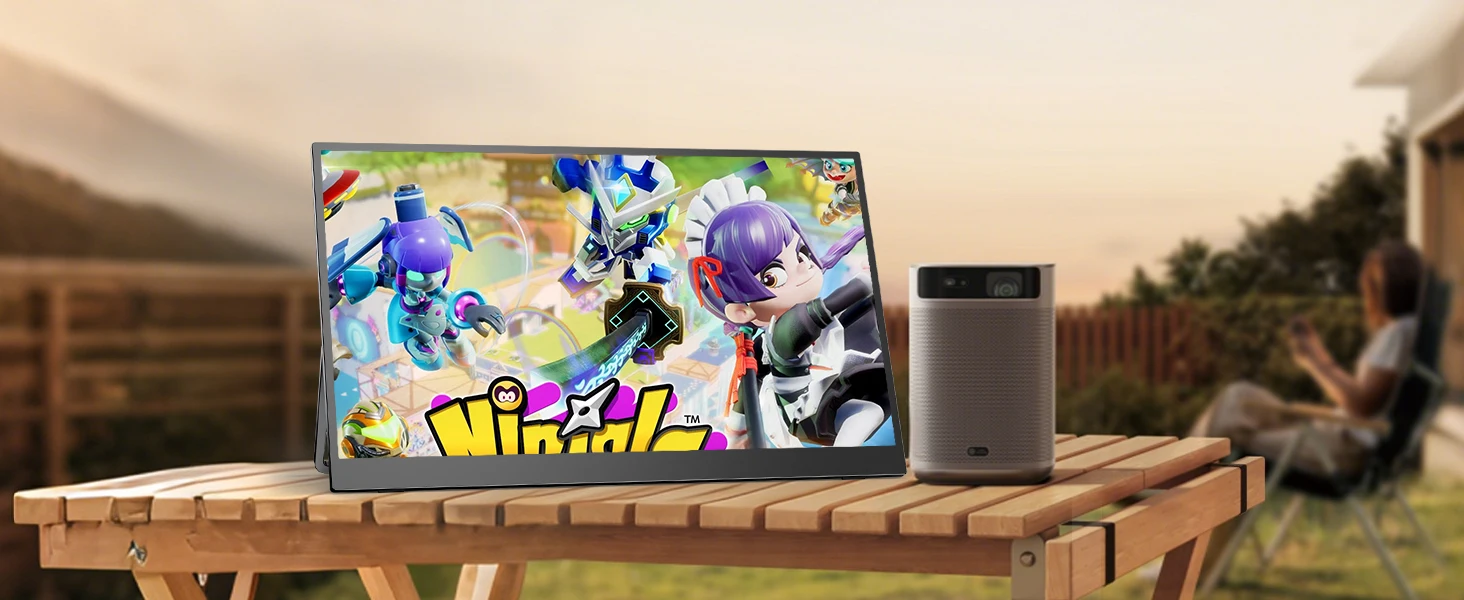
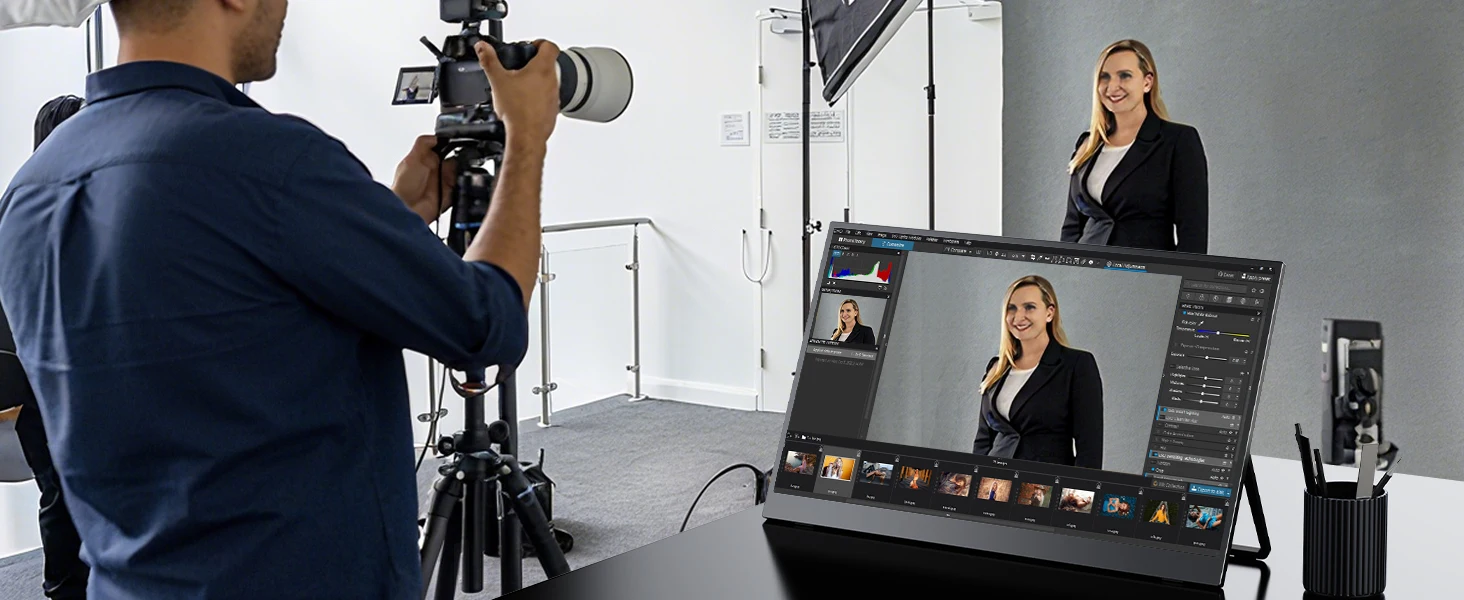
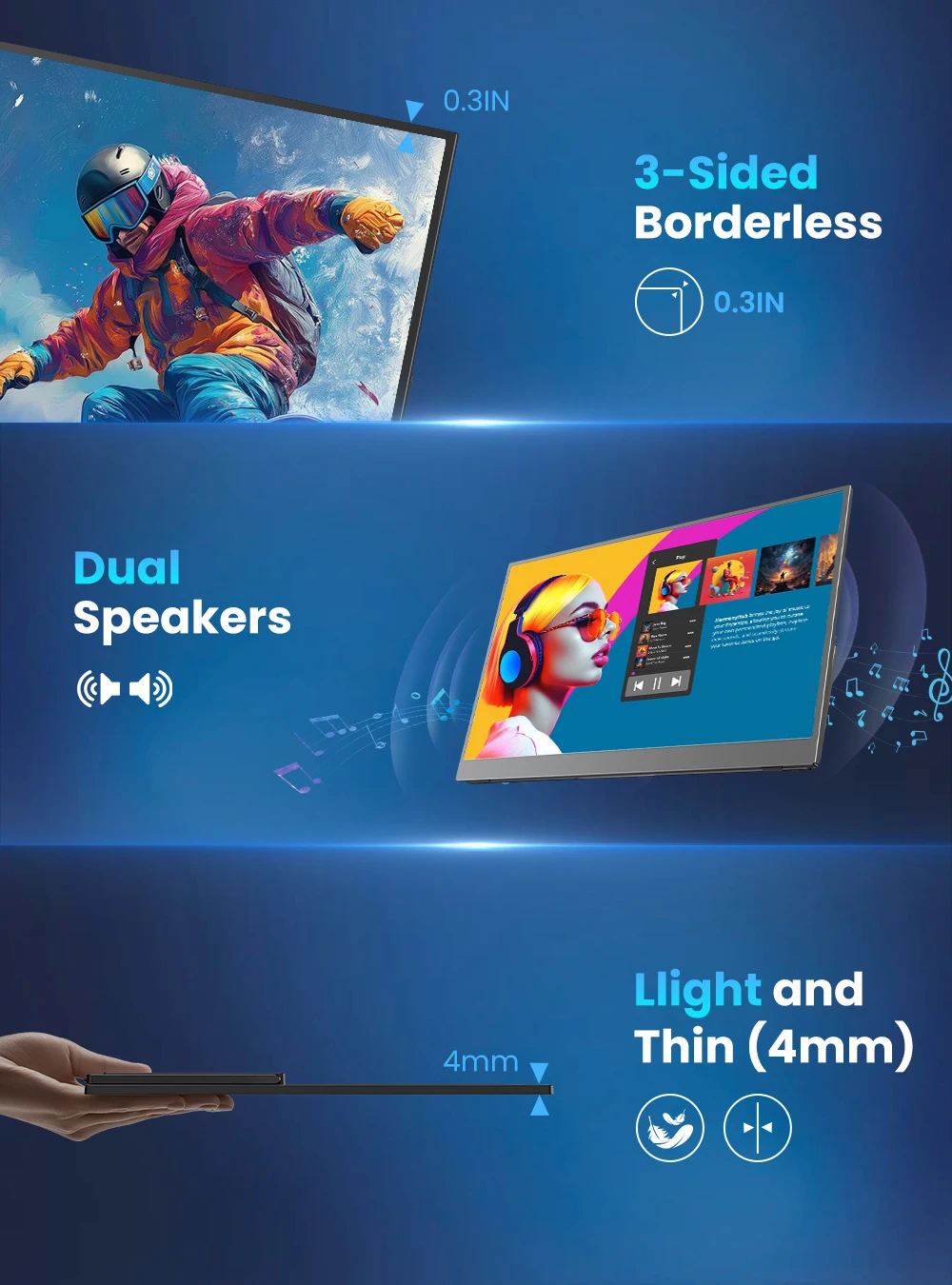
Travel monitor with ultra-slim portable design , super easy to carry in hands or bag on the street, helps you get work done efficiently anywhere. Lightweight, and travel-friendly it is adored by white-collar workers and college students. Slimmest and lightest portable monitor when you're on the go.
Specification
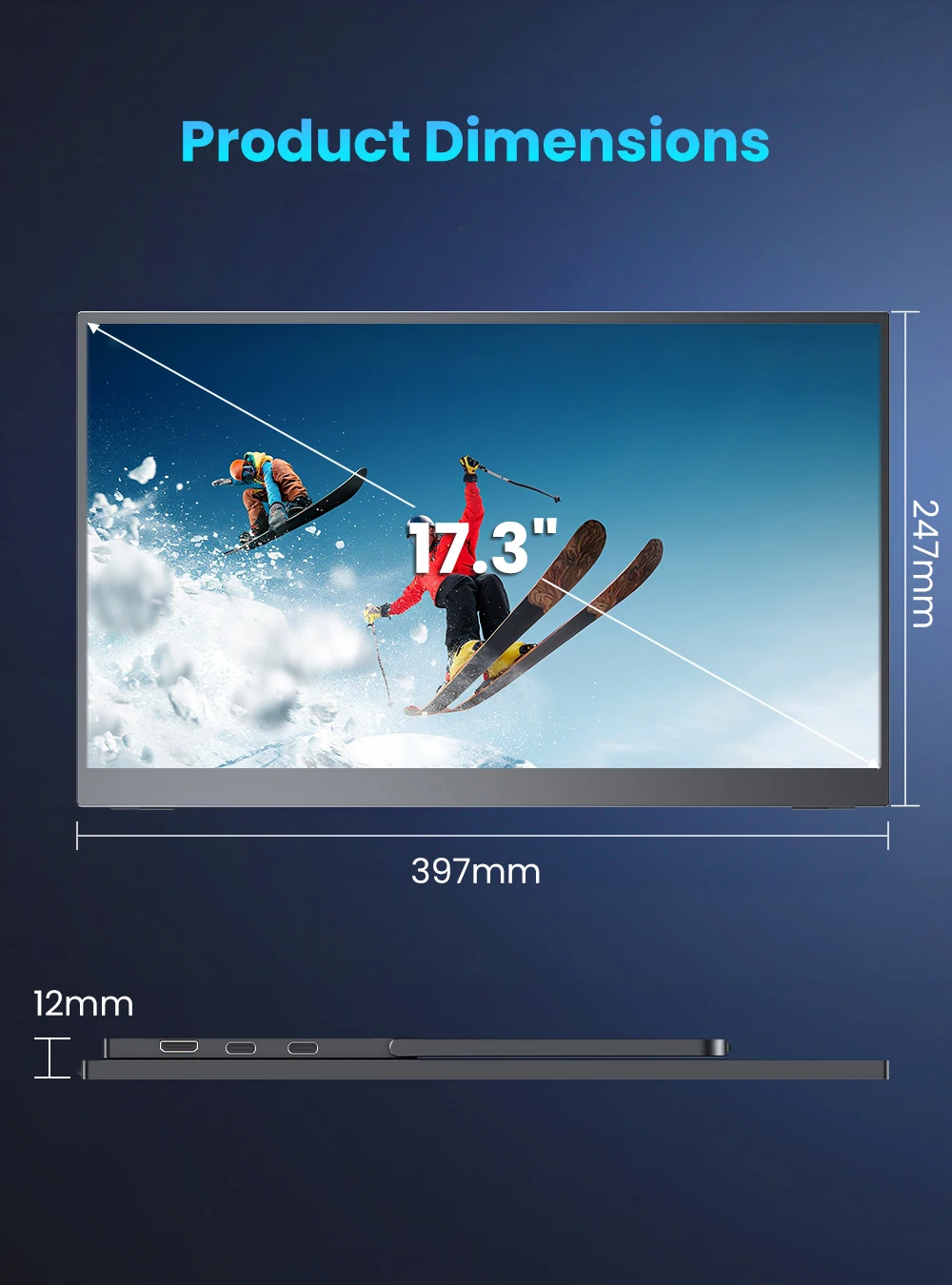
Screen size:17.3 inch
Resolution: 2560*1440
Display Ratio:16:9
Display colors: 72% NTSC
Brightness(Max): 400 cd/㎡
Contrast:1000:1
Viewing angle: 178°
FPS: 144Hz
Speaker: Dual Built-in
Surface treatment:matte
Package
1x Portable Monitor
1x Mini HDMI to HDMI Cable 4K
2x USB-C to USB-C Cable
1x PD 18W Power Adapter
1x Instruction Manual
Q: Why does my monitor not turn on?
1.Please check whether the Type-C port of your device is a full-featured Type-C port,which can support power and signal transmission. If not, please use HDMl to MiniHDMl cable to transmit video signal, and use USB-C to USB-C cable to connectexternal power supply.
2.This may be caused by insufficient power supply.The minimum power requirementfor the monitor is PD 18W.Especially when you need to run the display at 2K 144hz,the power consumption will be relatively large, it is recommended to use an externalpower supply, otherwise the monitor may not work properly.
3.If the above steps still cannot solve your issue, please feel free to contact us.
Q: lt says "no signal", what to do?
1.When connecting with a USB-C cable, make sure your device supports USB3.1./Thunderbolt 3.If not, please add a Mini HDMl to HDMl cable for signaltransmission.
2.Please make sure to use the original cables.
3.Please try another device.If it still fails, please tell us for a replacement.
Q:Why can't the refresh rate go up to 144HZ/120HZ/100HZ?
1. Check system compatibility: Ensure that your device (laptop, game console, etc.) supports 2K resolution
And it has the ports required to connect to the display. Computers with integrated graphics cards on the market can reach 2K 60HZ/100HZ, if you want to reach 2K or above 120HZ, you usually need a computer with an independent graphics card. The HDMI interface connection supports a maximum of 2560 * 1440144Hz and 2560 * 1600 120Hz, TYPE-C interface can support 2560 * 1600 144Hz;
2. Using the correct cables: Use high-quality cables (such as DisplayPort or HDMI 2.0) to
Connect the monitor to your device to ensure proper transmission of high-resolution and high refresh rate signals. The display cable supplier meets the highest output requirements, and customers cannot replace the cable at will;
3. Adjusting Display Settings: Some devices may not automatically recognize, so it is necessary to set the display resolution in the settings
Set to 2K (2560x1600) and set the refresh rate to 144Hz for the smoothest experience.
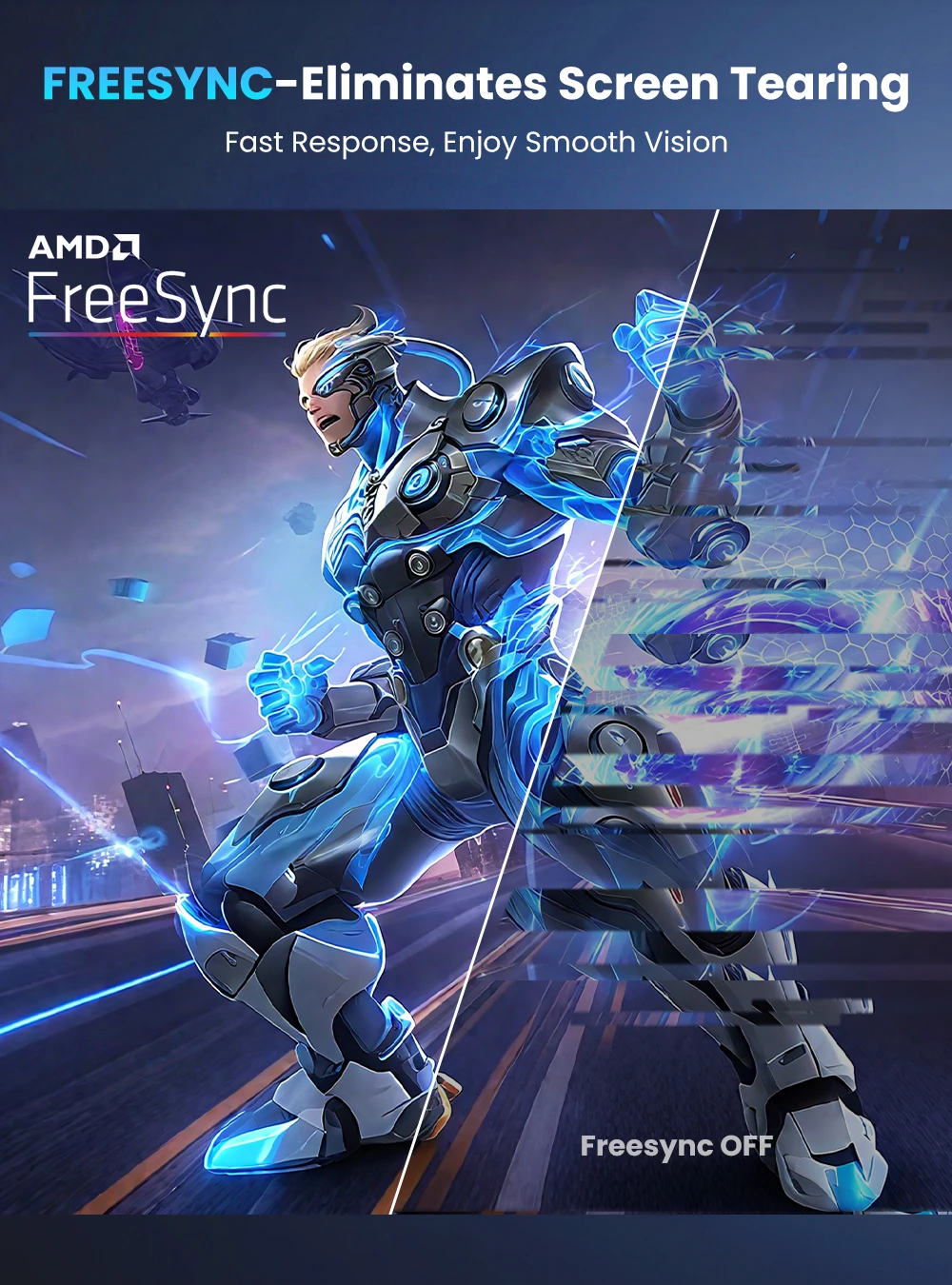
4. Enable adaptive synchronization (if available): If your monitor and device support AMD
FreeSync and other technologies, please enable them to reduce screen tearing and improve gaming performance. FreeSync - generally supports 60Hz and above, but selecting 30Hz when partially enabled may result in abnormal or no display;
5. Keep drivers up-to-date: Install the latest graphics card drivers for your device to ensure compatibility with 2K Compatibility and optimal sexual development of 144Hz displays;
6. Provide sufficient power: Some portable displays may require an external power source for optimal performance
Yes, make sure the monitor is connected to a power outlet or the battery is fully charged;
Q: why does my monitor turn off when I turn up the brightness?
This is caused by insufficient power supply.Turning up the brightness will increasethe power consumption, which can be solved by an external power supply.
Q: Abnormal conditions occurred - such as a splash screen, spots when using themonitor or constant restarts.
1.It is generally caused by an insufficient power supply.The monitor require highpower support.Please use the original cable included to power the monitor.
2.If you use a mobile power bank to power the monitor, please confirm whether thepower of the power bank reaches 30w or more.In addition, if you need a power bank,please contact us.
3.If none of the above solutions work, please try another device. Ilf it still failed,please contact us for a replacement.
lmportant Tips:
lf you find any issues with your monitor, please contact us before returning it. We will help you solve your problems and tryour best to make you satisfied. We take full responsibility for our products.
lf there are any defects that cannot be solved, we will refund or send you areplacement.
Verzending & levertijd
Verzending & levertijd
Gratis verzending op het volledige assortiment, zonder minimum bestelbedrag. Je ontvangt een verzendbevestiging met track & trace zodra je bestelling onderweg is. Zie ons Verzendbeleid voor alle details.
Retourneren
Retourneren
Je hebt 30 dagen bedenktijd vanaf het moment dat je je bestelling hebt ontvangen. Zie ons Terugbetalingsbeleid voor de voorwaarden.


Beoordelingen
Strak en krachtig
Mooie strakke kookplaat, werkt perfect. Water kookt verrassend snel en de bediening reageert direct.
Makkelijk schoon te maken
Duidelijke bediening en het oppervlak veeg je zo schoon. Inbouwen was eenvoudiger dan verwacht.
Doet wat het moet doen
Precies zoals beschreven. Eén ster eraf omdat de handleiding vrij summier is, verder prima product.