


UPERFECT Touch 18.5inch Portable Gaming Monitor 120Hz With VESA Hole & Back Bracket Laptop Extended Display FHD HDR Touchscreen
UPERFECT Touch 18.5inch Portable Gaming Monitor 120Hz With VESA Hole & Back Bracket Laptop Extended Display FHD HDR Touchscreen
Kan beschikbaarheid voor afhalen niet laden
Twijfel je of dit het juiste product is? Stel je vraag, dan denken we met je mee.
Op werkdagen reageren we meestal binnen 1 werkdag
- Gratis verzending in 3-5 werkdagen
- 30 dagen bedenktijd
- Veilig betalen met iDEAL
SPECIFICATIONS
Application: Laptop
Black and White Response Time: 16 ms
Bracket Type: Swivel Lift Bracket
Brand Name: Uperfect
Brightness: 300cd/m
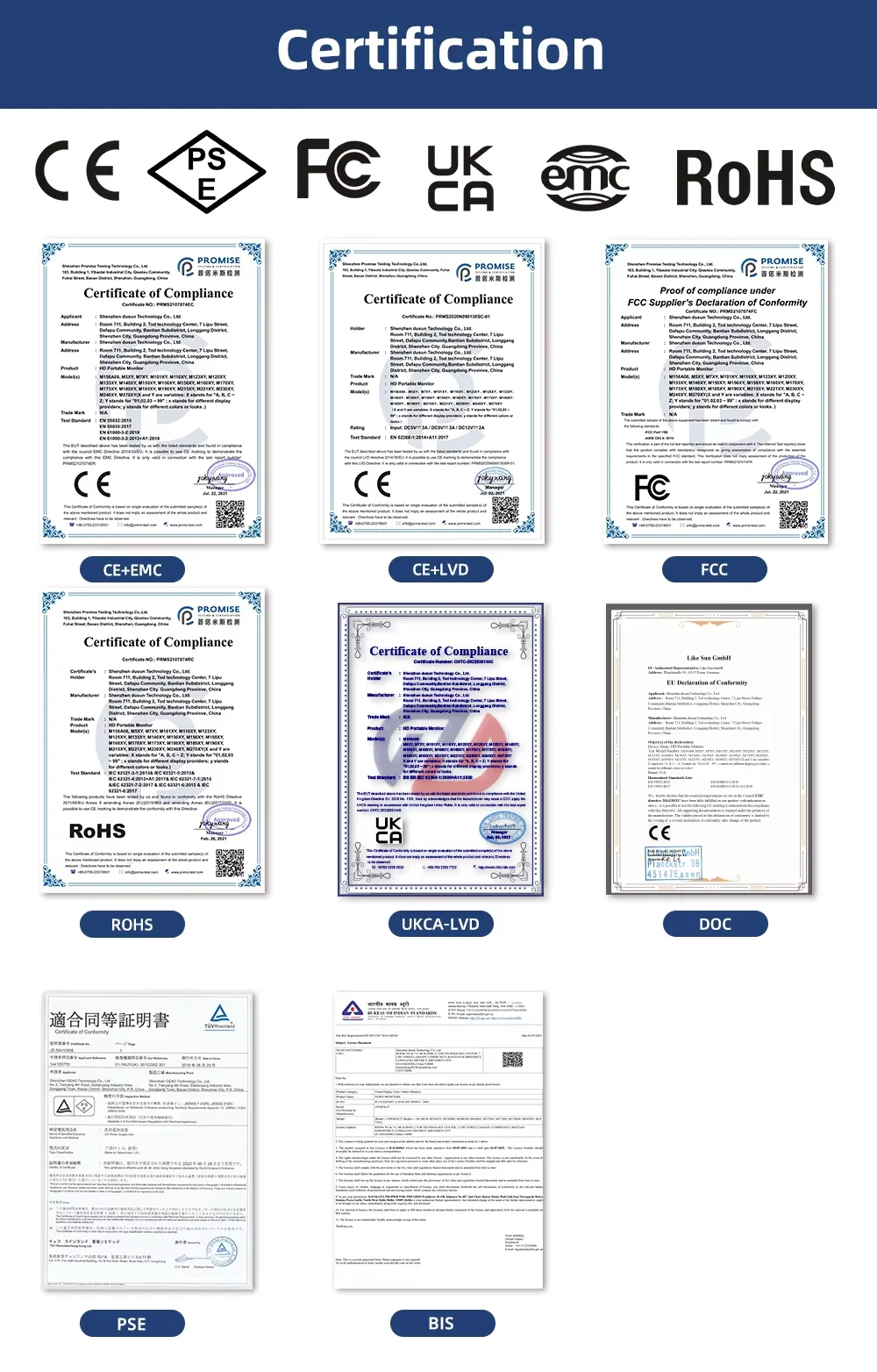
Certification: CE,FCC,RoHS,UL,KC,pse,weee
Contrast Ratio: 1000:1
Display Ratio: 16:9
Display Size: 18.5 inch
Feature: Speaker,Touch Screen,Gaming
High-Dynamic Range: Other
High-concerned chemical: None
Horizontal Viewing Angle: 178°
Interface Type: Type-C
Matrix color depth: 8 bit
Origin: Mainland China
Panel Type: IPS
Pixel Pitch: 0.258mm
Plug Type: EU Plug
Products Status: STOCK
Refresh Rate: 120 Hz
Refresh rate sync technology: AMD FreeSync
Resolution: 1920x1080
Response Time: 16ms
Screen Type: LCD
Screen curvature: Other
Screen surface: Glossy
Uperfect Model: 18 UMax
Vertical Viewing Angle: 178°
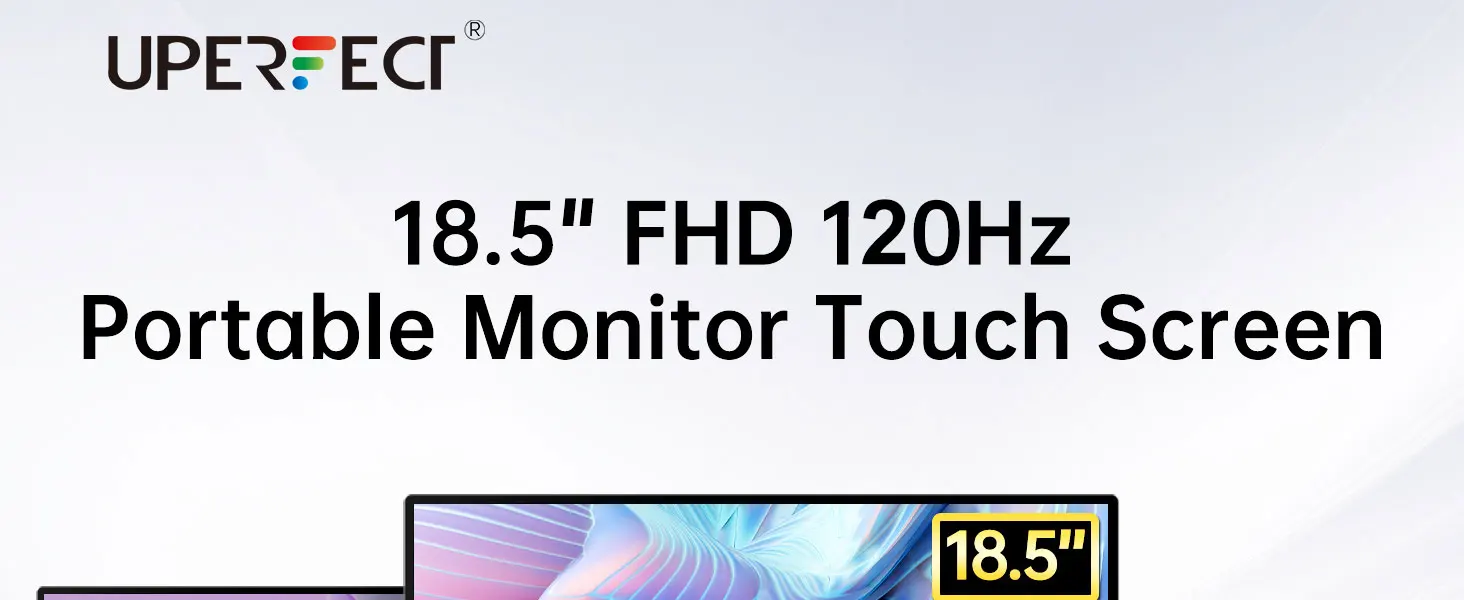
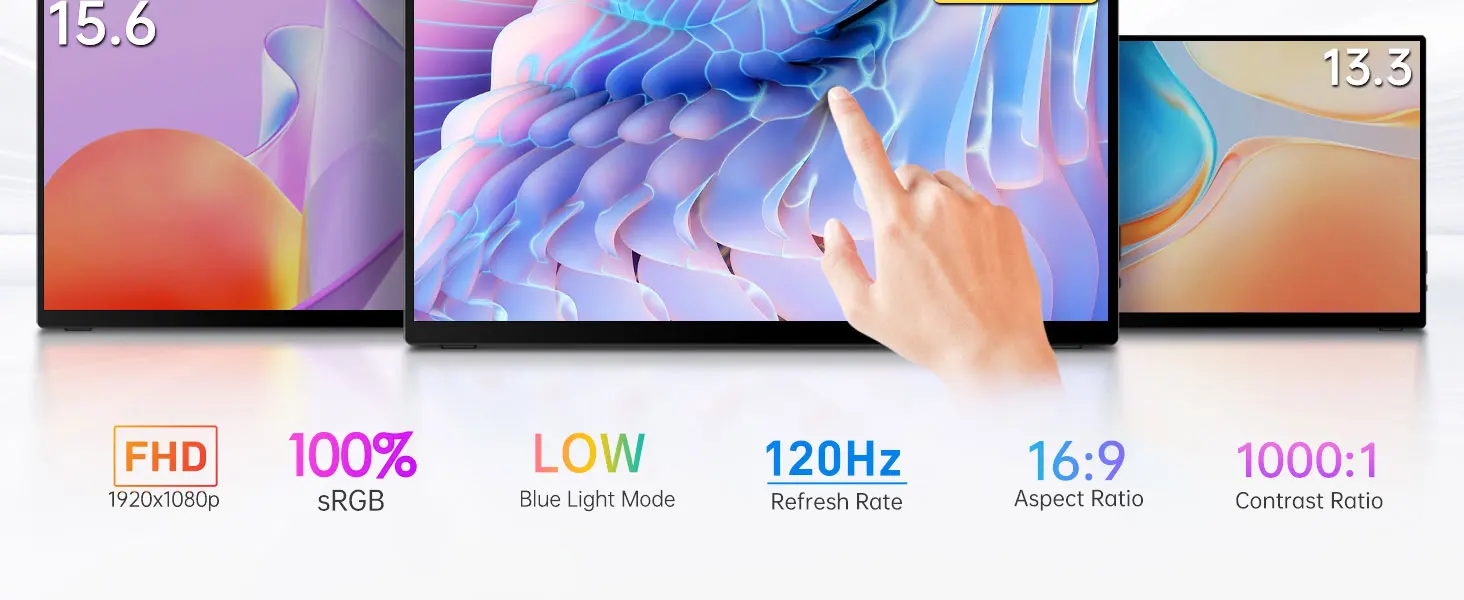
Versatile Connectivity and Touch Support
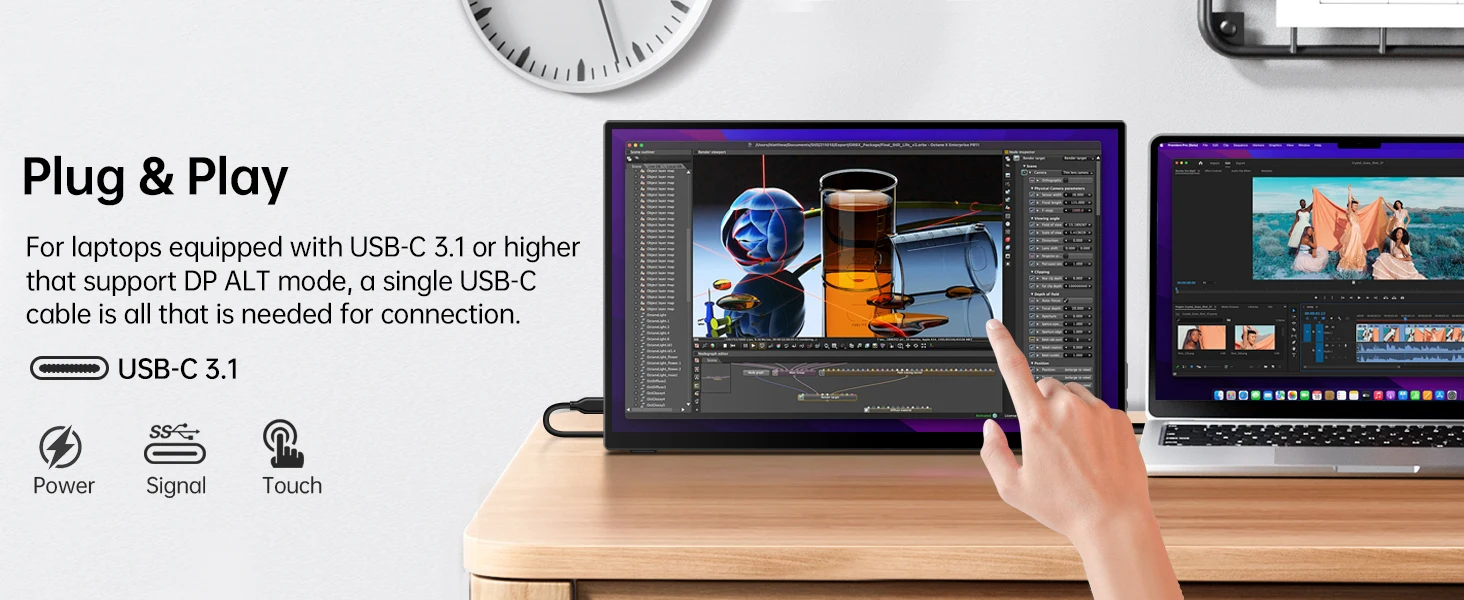
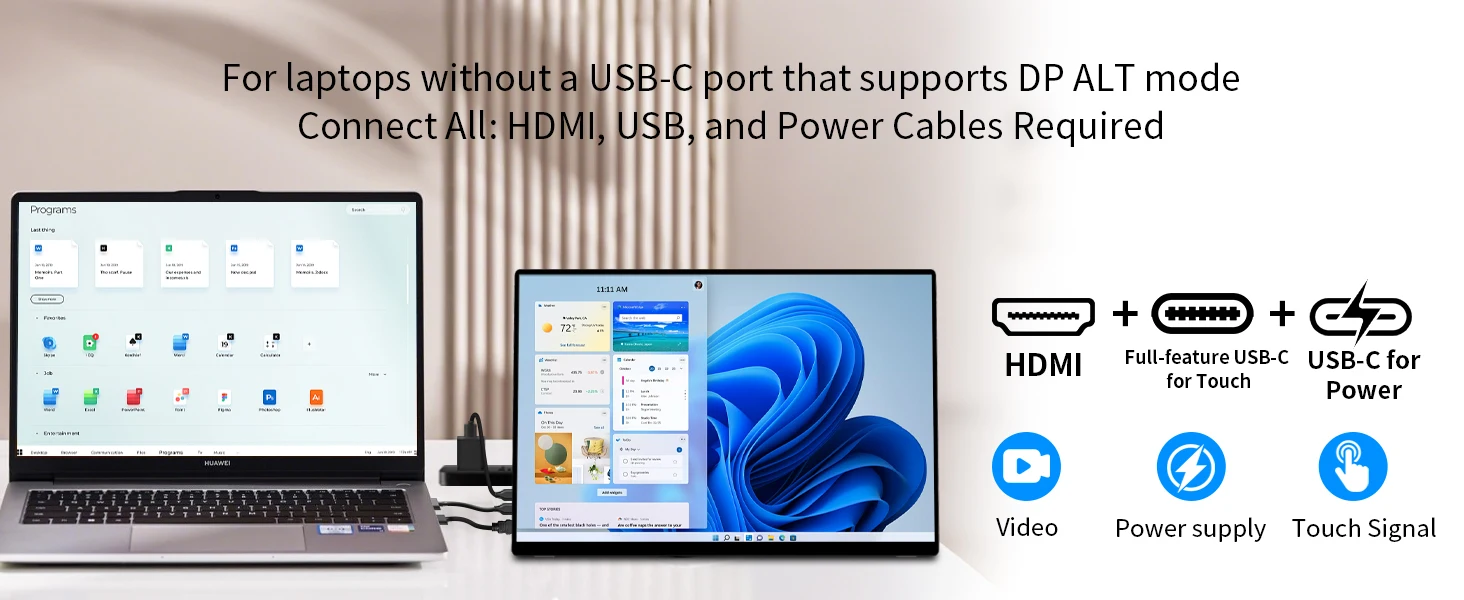
This portable monitor supports 10-point touch and can connect to Windows devices via a single USB-C cable, which must support DP Alt Mode or Thunderbolt 3/4. If the device lacks these ports, it can also connect via mini HDMI and USB-A for display and touch functionality without the need for additional driver installation.Please note that macOS only supports single-point touch. iPhones, iPads, and Android devices do not support touch functionality, but devices compatible with Samsung DeX can utilize touch features. Additionally, the monitor supports only passive styluses, not active ones.
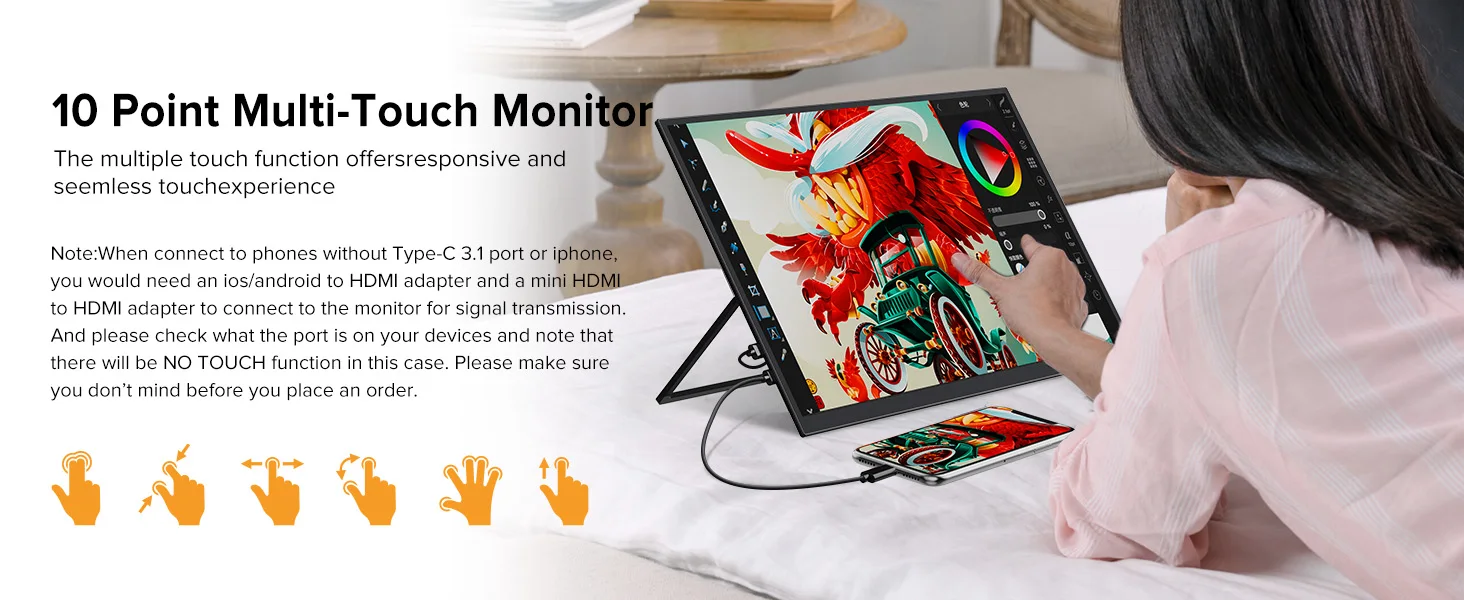
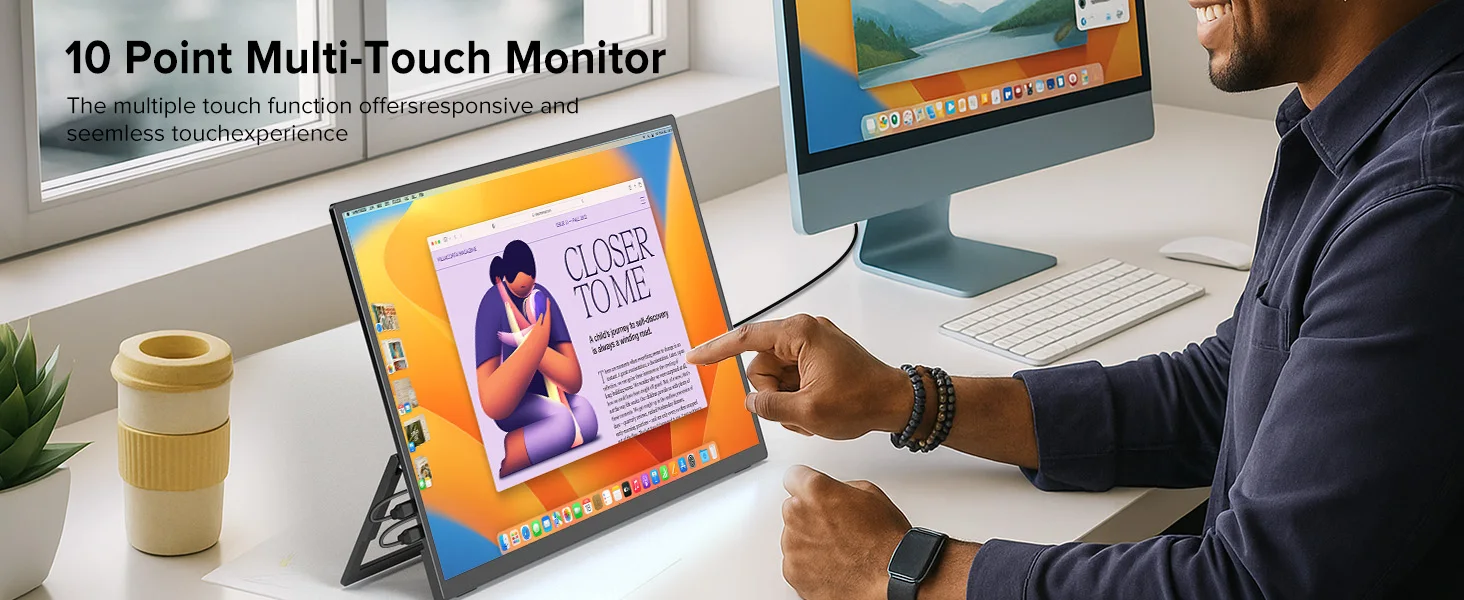
120Hz High Refresh Rate Display
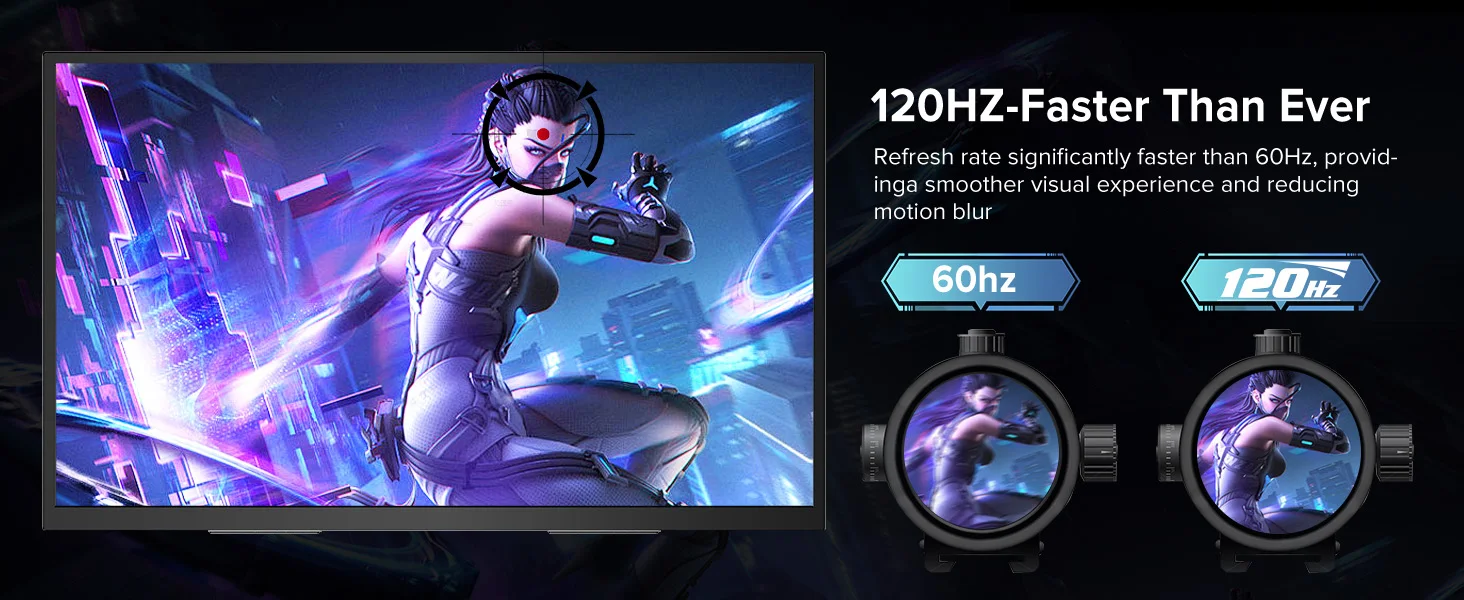
This external monitor boasts a 120Hz refresh rate and 8-bit color depth, supporting 16.7 million colors, with a FHD resolution of 1920x1080 pixels. This ensures a smoother and more immersive gaming experience, reducing lag and motion blur, giving you a competitive edge in your games.
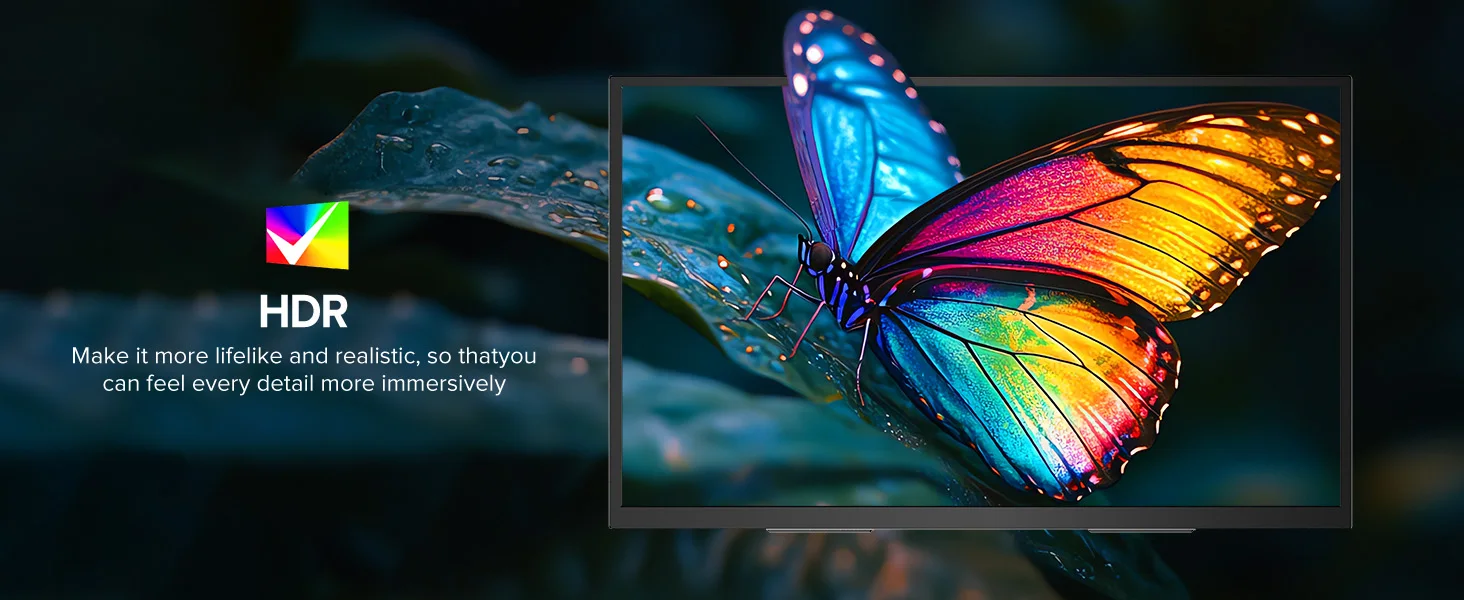
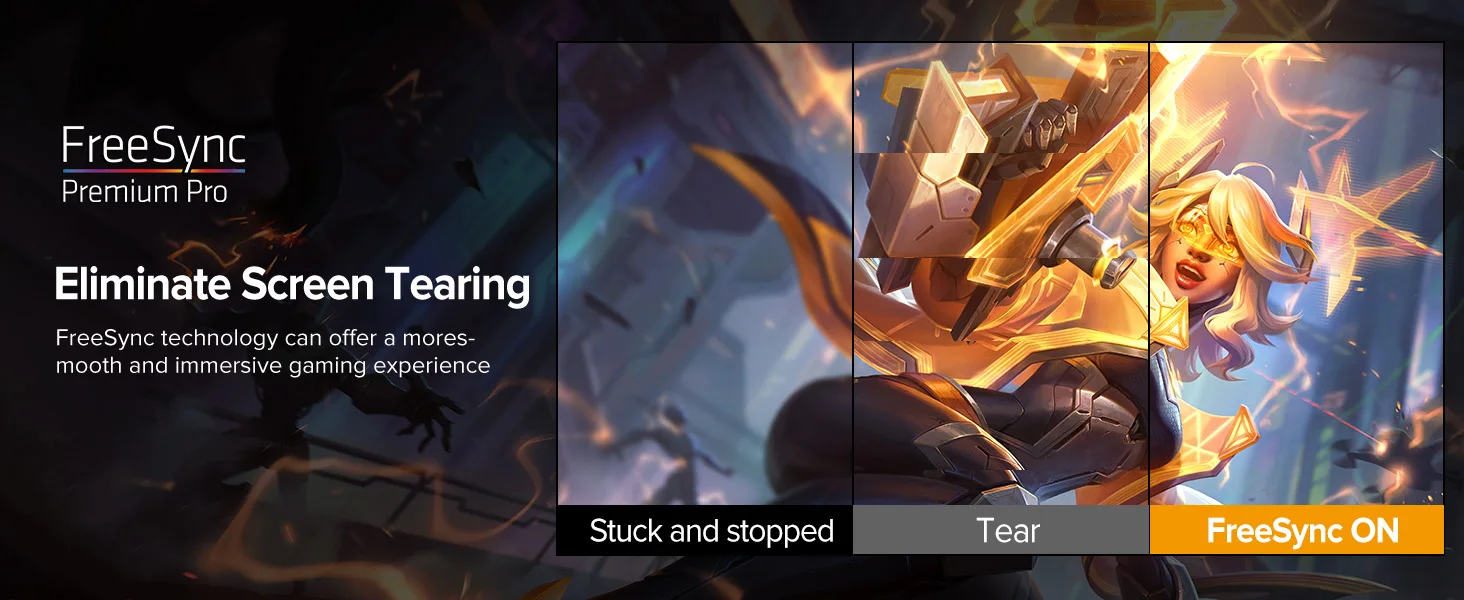
Durable Design For Everyday Use
It’s compatible with devices supporting Thunderbolt 3.0 or USB 3.1 DP Alt-Mode, including laptops, phones, PCs, and gaming consoles.
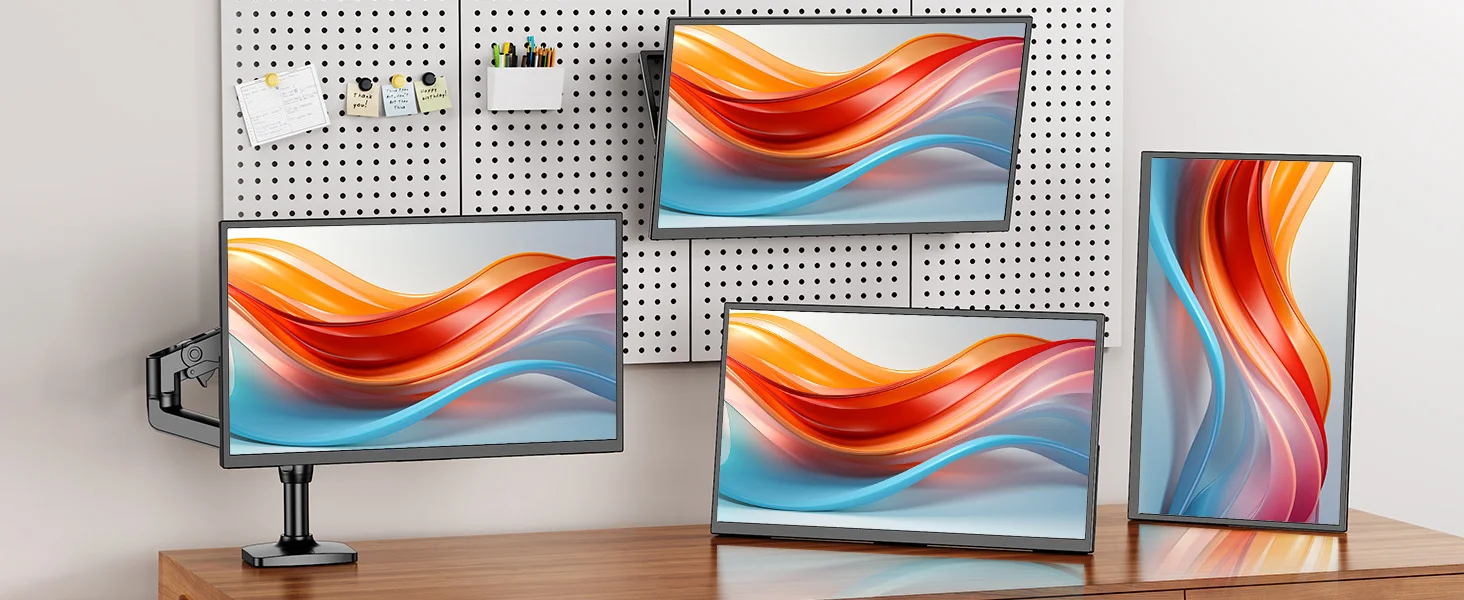


Easy Setup and Adjustable Viewing Angle
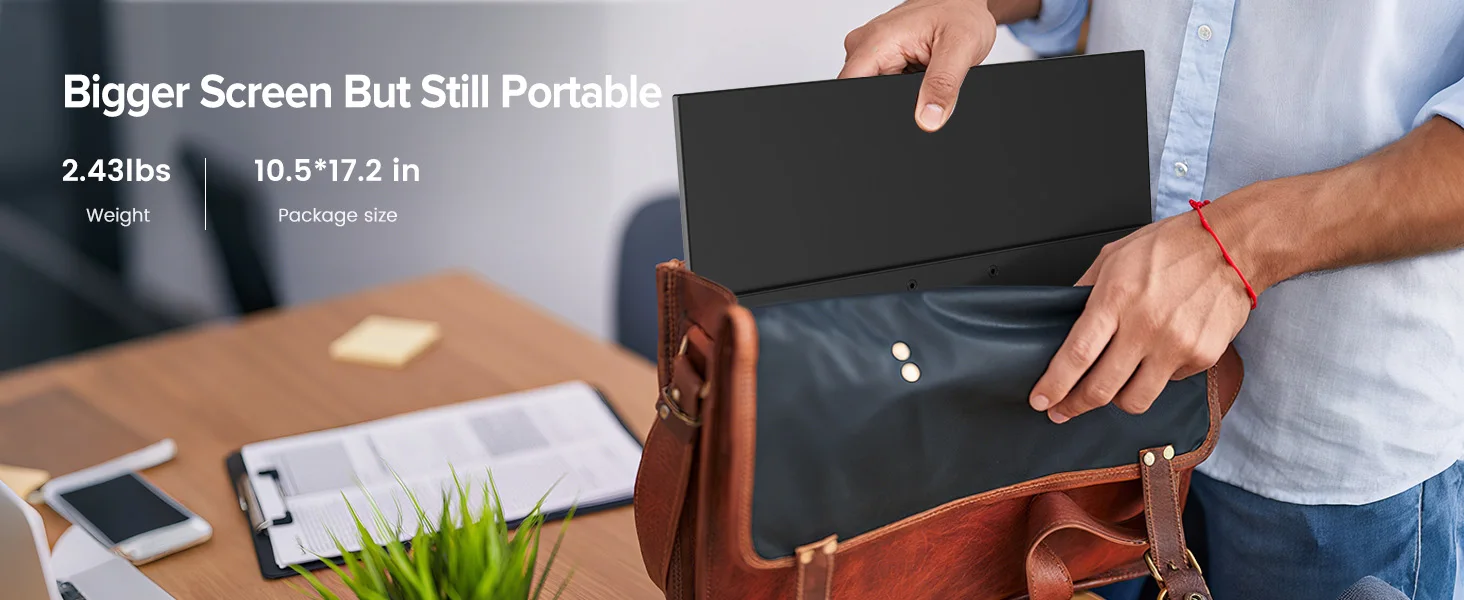
No matter where you are, you can easily set up the monitor by simply unfolding the stand. The stand features a hidden design for convenient opening and storage, and it supports a maximum angle of 180 degrees, allowing users to adjust the viewing angle to their preference.
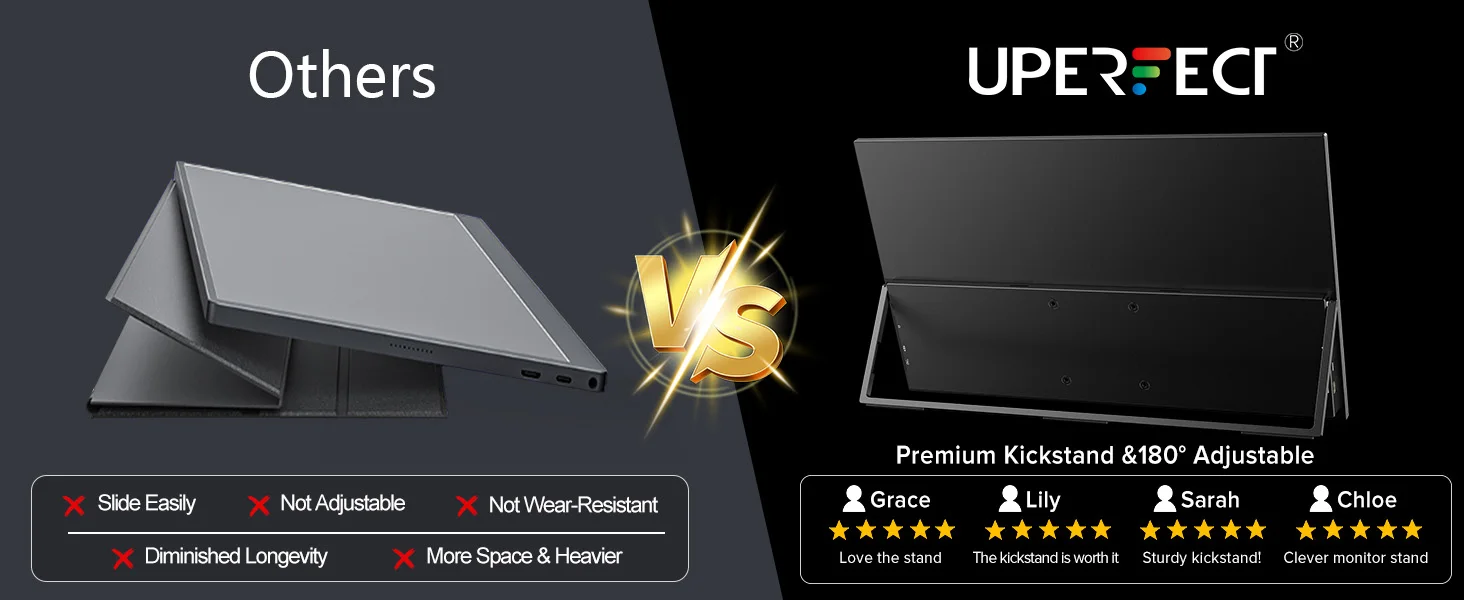

All-in-One Solution
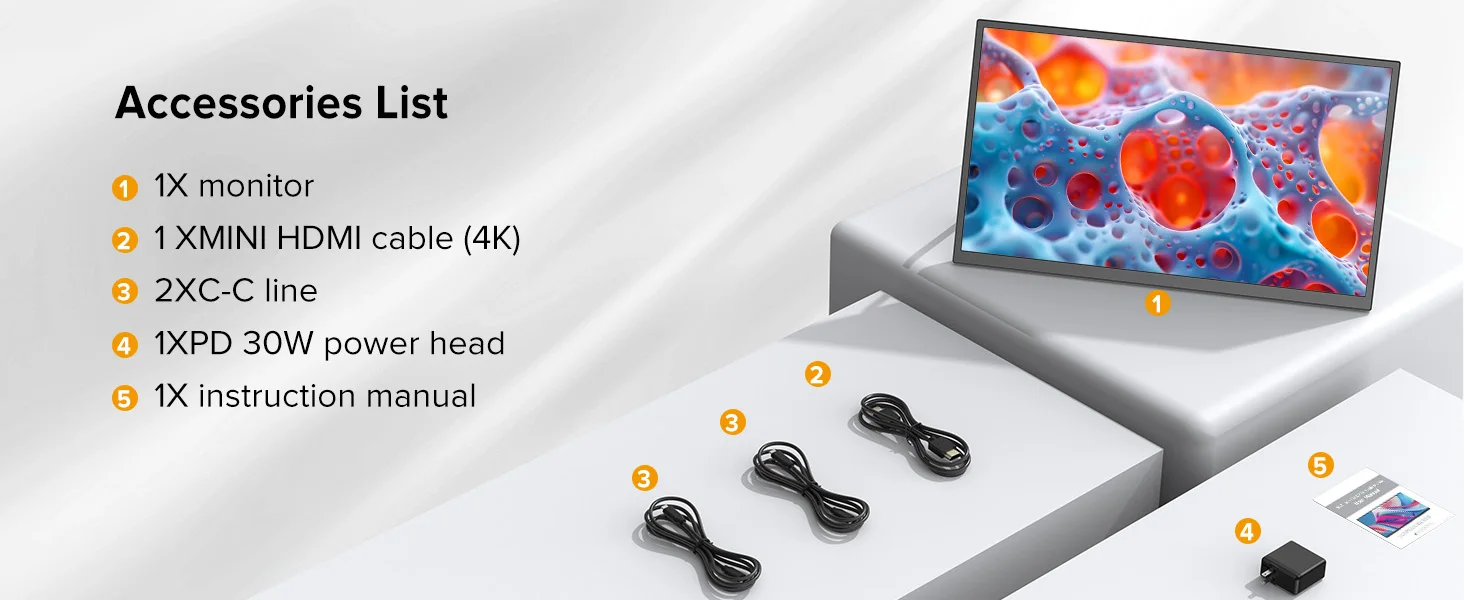
The package includes everything you need: the portable monitor, 2 full-feature USB-C cable, a USB-C to USB-A cable, an MINI HDMI cable, and a PD30W power adapter.
Specification
Panel Type: 18.5” Touch Screen
Resolution: 1920*1080 FHD
Display Color: 16.7M
Visual Angle: 178° Full View Angle
Contrast Ratio: 1000:1
Brightness: 300 cd/㎡
Refresh Rate: 120Hz
NTSC: 72%
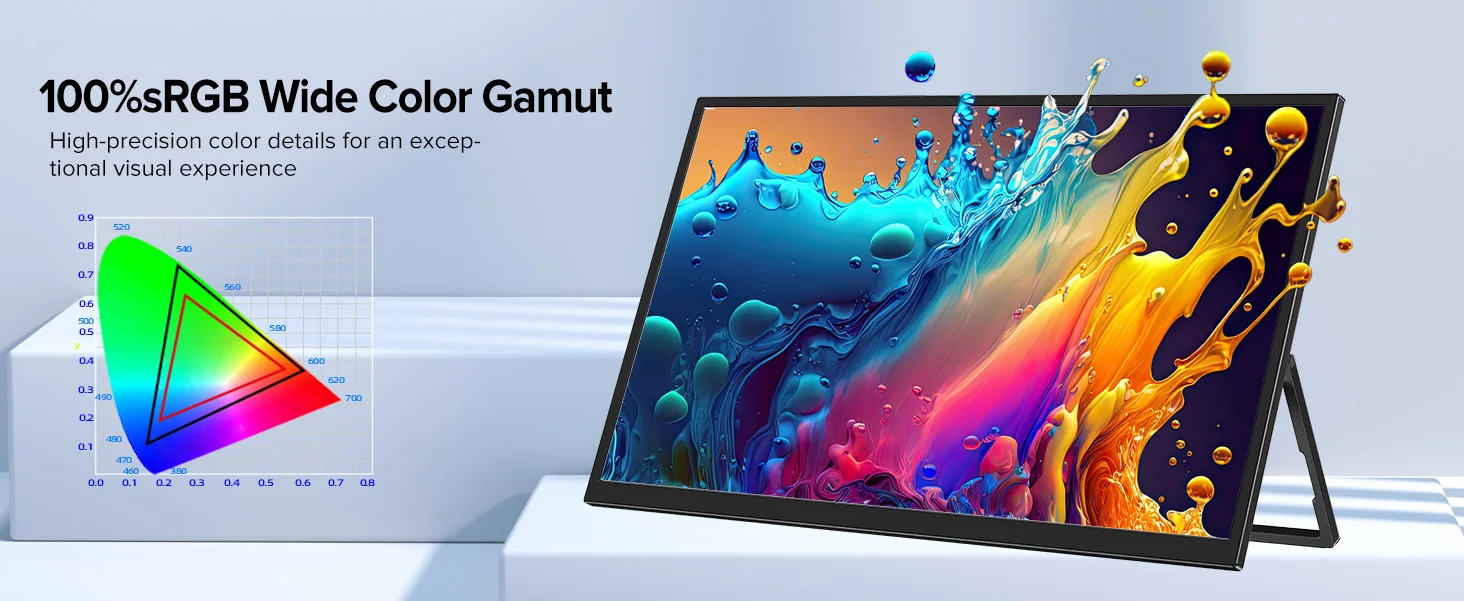
sRGB: 100%
Touchscreen: Yes 10Point
Response time : 16ms
Display area: 408.96(W) × 230.04(H)
Bulit-in Speakers: Dual 8Ω 1W Speakers
Input Interface:
2 x Full Function Type-C ,
1x Mini HDMI ,
1 x 3.5mm Audio,
VESA:75mm*75mm
Screen Type: Mirror
Color: Black
How To Get Touch Function?
FULL FEATURED TYPECCONNECTION
Phones/Laptops/Tablets
1.For phones or laptops with full featured Type C port, use Type C-C cable to connect to the monitor for signal and touch.
2.Please plug in power adapter for enough power supply to avoid flickering, disconnecting, low brightness or other bad situations caused by low power supply.
iPhone/ iPad (NO TOUCH FUNCTION)
1.To connect with iphone 14 series or before 14, you have toconnect via an iOS to HDMl adapter and plug in power adapter.
2.Connect to iPhone 15 series or after 15 and iPad via USB C port and plug in power adapter.
3.Connect to iPhone/ iPad can't have touch function.
iMac/Macbook/Mac Mini
1.Please note that when connect to iMac and Macbook, you canget touch function just move cursor to the monitor you connect to.
2.When connect to Mac Mini, you could get touchscreen functionwith USB C-C connection.
3.But remember to use our original cables and adapter in thepackage.And please plug in power adapter for sufficient power.
4.The touchscreen monitor can only get Single-Point Touch whenconnected to iMac/ Macbook/ Mac Mini.
HDMI CONNECTION
Computers
1.For computers without full featured type c 3.1 port, you need toconnect to the touchscreen monitor via mini HDMl port. Mini HDM to HDMl cable for signal transmission, USB A-C cable for touch function, if the power is not enough, please plug in power adapterfor enough power supply.
2.To get touchscreen function, please set the 18.5" screen as themain monitor. This is the key to get touch function when connectto PC.
Q: Why does my monitor not turn on?
1.Please check whether the Type-C port of your device is a full-featured Type-C port,which can support power and signal transmission. If not, please use HDMl to MiniHDMIl cable to transmit video signal, and use USB-C to USB-C cable to connectexternal power supply.
2.This may be caused by insufficient power supply.The minimum power requirementfor the monitor is PD 18W.Especially when you need to run the display at 2kK 120hz,the power consumption will be relatively large, it is recommended to use an externalpower supply, otherwise the monitor may not work properly.
3. lf the above steps still cannot solve your issue, please feel free to contact us.
Q: lt says "no signal", what to do?
1.When connecting with a USB-C cable, make sure your device supports USB3.1./Thunderbolt 3.If not, please add a Mini HDMl to HDMl cable for signaltransmission.
2.Please make sure to use the original cables.
3.Please try another device. lf it still fails, please tell us for a replacement.
Q: Why does my monitor turn off when l turn up the brightness?
This is caused by insufficient power supply.Turning up the brightness will increasethe power consumption, which can be solved by an external power supply.
Q: Abnormal conditions occurred - such as a splash screen, spots when using themonitor or constant restarts.
1.lt is generally caused by an insufficient power supply.The monitor require highpower support. Please use the original cable included to power the monitor.
2.If you use a mobile power bank to power the monitor, please confirm whether thepower of the power bank reaches 30W or more. In addition, if you need a power bank,please contact us
3. If none of the above solutions work, please try another device.If it still failed,please contact us for a replacement.
Verzending & levertijd
Verzending & levertijd
Bezorgd in 3 tot 5 werkdagen. Verzending is gratis op het volledige assortiment, zonder minimum bestelbedrag. Je ontvangt een verzendbevestiging met track & trace zodra je bestelling onderweg is.
We verzenden vanuit de EU, dus je betaalt nooit invoerrechten of douanekosten. Zie ons verzendbeleid voor alle details.
Retourneren
Retourneren
Je hebt 30 dagen bedenktijd vanaf het moment dat je je bestelling hebt ontvangen. Zie ons Terugbetalingsbeleid voor de voorwaarden.


Beoordelingen
Strak en krachtig
Mooie strakke kookplaat, werkt perfect. Water kookt verrassend snel en de bediening reageert direct.
Makkelijk schoon te maken
Duidelijke bediening en het oppervlak veeg je zo schoon. Inbouwen was eenvoudiger dan verwacht.
Doet wat het moet doen
Precies zoals beschreven. Eén ster eraf omdat de handleiding vrij summier is, verder prima product.